
Why Short Link Clicks Include Bots and How to Filter Them

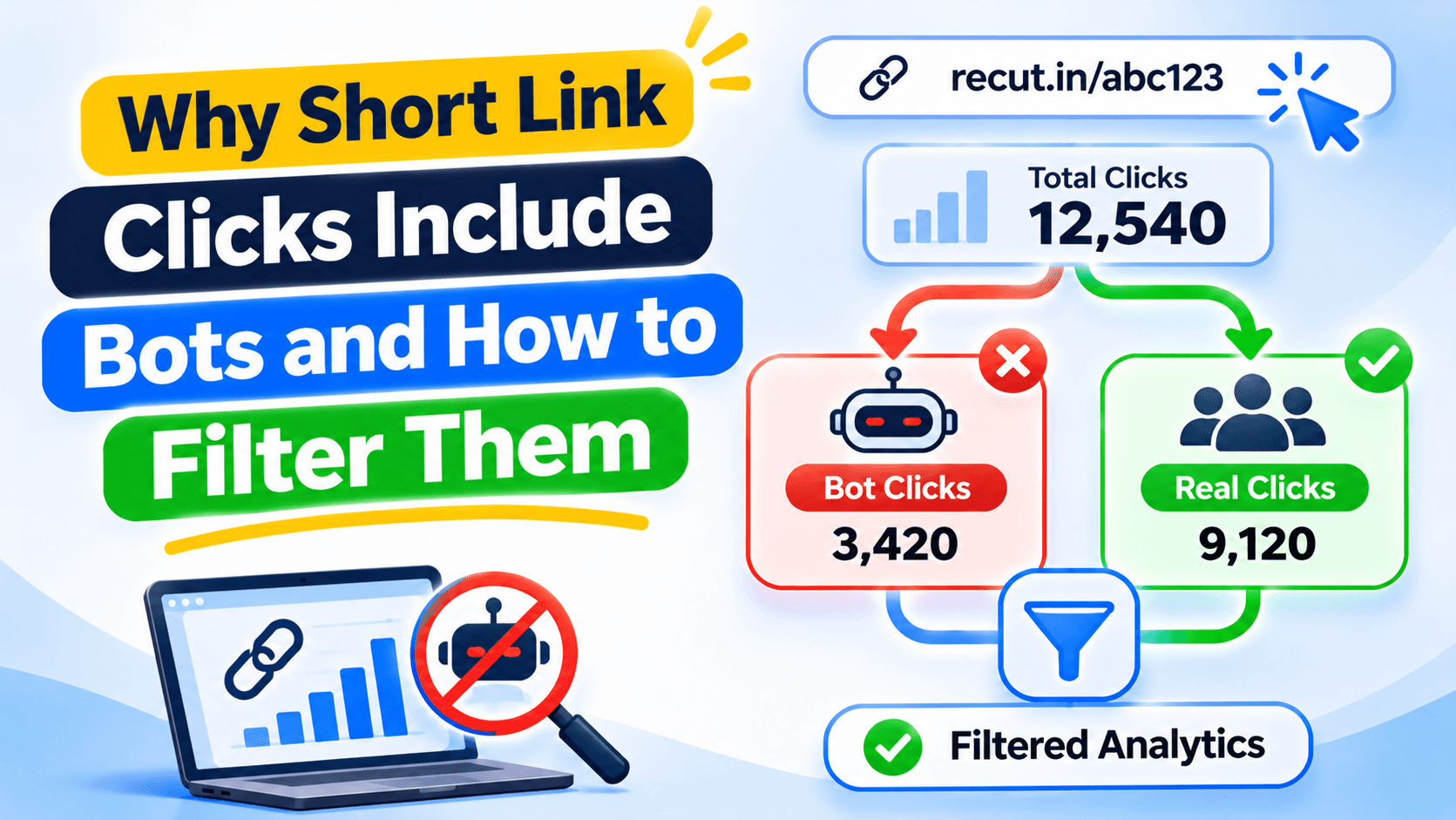
A click does not always mean a person visited
A short link can be opened by a person, but it can also be checked by an email security tool, a social preview crawler or an automated bot. Some services visit links before showing a preview. Those requests can appear in your click report even when nobody has read the page.
Why Recut clicks and GA4 sessions may differ
A short-link report records requests made to the short URL. Google Analytics records activity after its tracking code runs on the destination page. If a visitor blocks tracking, rejects consent, loses connection or leaves before the page loads, GA4 may not record a session.
The two numbers measure different events. A gap between them is worth checking, but it does not prove fraud.
Look for a pattern before calling traffic fake
Check when the spike happened, where the requests came from and which devices or referrers appear. A large burst just after an email send may be a security scanner checking every link. Repeated requests from a data centre may be automated. One unusual country is not enough to make that call.
What bot filtering can and cannot do
Bot filtering can remove traffic the system recognises as automated. It is useful for cleaning up reports, but no filter catches every bot. Some automated traffic looks like a normal browser, and real people can browse through VPNs, mobile carriers or shared networks.
Avoid claims such as 100% human clicks. A better report says whether the figures include or exclude the traffic your filter identified.
Keep click, visit and sale numbers separate
When you report a campaign, label each number. Short-link clicks, filtered clicks, GA4 sessions, form submissions and purchases are not the same metric. Use the same date range and campaign link when you compare them.
For example, 500 short-link clicks and 320 GA4 sessions do not automatically mean 180 fake visits. Check the landing page, consent settings and campaign timing before drawing a conclusion.
Check bot filtering before you report the clicks
Recut includes bot-blocking controls for short links. Check the filter available in your account, then compare the report with your website analytics. Keep in mind that email previews and security scanners can open links before a person does. See the Recut URL Shortener.
Frequently asked questions
Why are my short-link clicks higher than GA4 sessions?
The short-link service and GA4 count different events. Bots, link scanners, consent choices and blocked analytics scripts can all cause a gap.
Can a URL shortener remove every bot click?
No. Filters can identify and remove some automated traffic, but no system detects every bot perfectly.
Are all clicks from data-centre IP addresses fake?
Not always. Some real users use VPNs, company networks or mobile services. Check several signals before labelling traffic as fake.
Should I report raw clicks or filtered clicks?
Label both when they are useful. Explain which filter was active and keep clicks separate from sessions, leads and purchases.
Gaurav Kumar
AuthorWriting about link infrastructure, branded domains, retargeting pixels, and URL shortener analytics.