
How to Create Better Social Media Video Ads Without Additional Filming
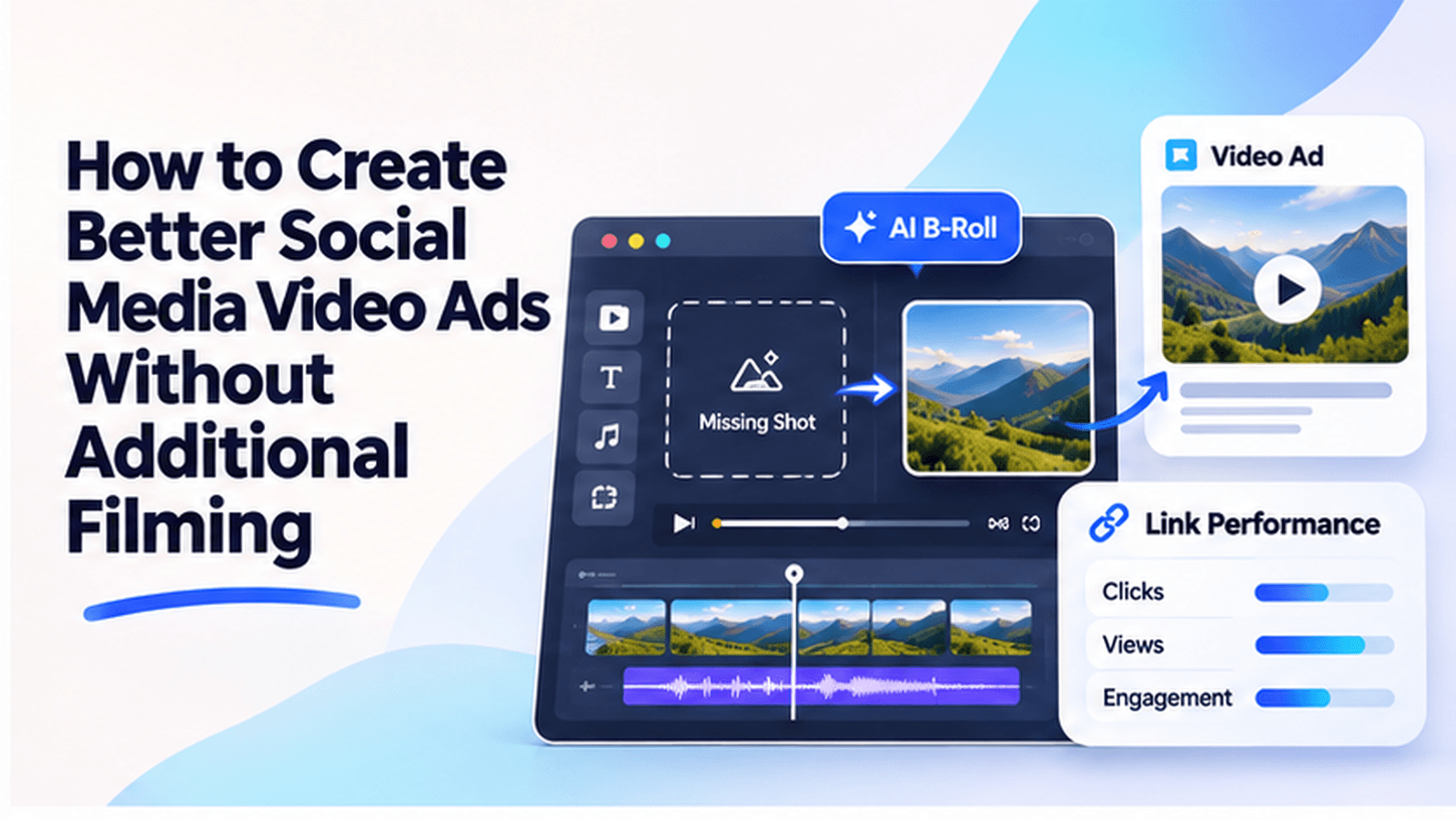
A social media video ad made without additional filming is an ad built from footage you already own, plus visuals you generate or find inside the edit. Most ad teams do not lack ideas. They lack enough footage to cover every hook, audience, and claim. New shoots cost time and budget, so ads reuse the same clips and start to feel repetitive. Viewers notice, and they scroll on.
This guide shows how to fill those gaps with AI-generated B-roll, tighter timing, and fresh variations. It covers a step-by-step workflow in invideo editor. It also covers the limits to watch before an ad goes live.
Why do social video ads need more than one angle of footage?
Social video ads compete with a fast feed. A single talking-head shot gives the viewer little to look at. When the speaker describes a product, nothing on screen proves it.
Supporting footage fixes that. A close-up of the product in use backs up a spoken claim. A quick shot of the setting makes an example feel real.
Ad teams also need variations. Each new audience or hook calls for different visuals. Shooting each one from scratch is slow and expensive.
What is B-roll, and how does an AI B-roll generator help ads?
B-roll is supporting footage that illustrates what the main footage says.
An AI B-roll generator creates custom B-roll from a written description, so the shot no longer has to be filmed.
In invideo editor, an agent can generate shots with access to more than 200 AI models. It can also search the built-in library for existing clips that fit. Generated shots arrive on the timeline as editable layers.
The agent also places and times the B-roll. Tell it which lines, topics, or moments to support. It aligns the shots with the relevant dialogue and action.
Which parts of a social video ad can B-roll improve?
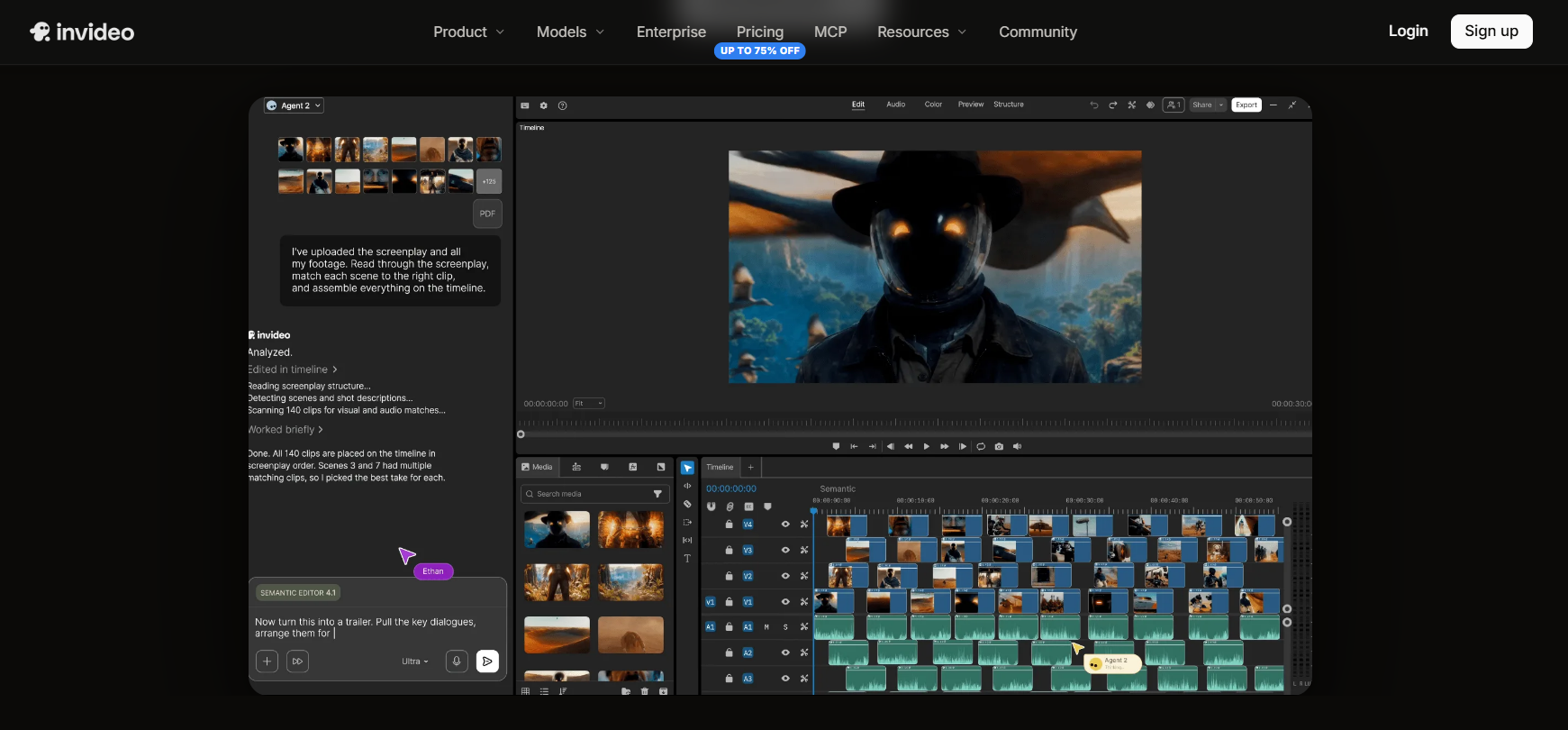
Invideo Editor works as a multitrack, frame-accurate timeline. An agent can generate B-roll, place and time it against dialogue, and create voiceovers and music. Every shot the agent generates stays editable on the timeline. Editors can keep the result, direct changes with feedback, or adjust shots by hand. A shared workspace adds teammates, session replays for handoffs, and timestamped review comments.
B-roll improves four parts of an ad.
Product proof: close-ups of ingredients, materials, and the product in use help viewers experience the product.
Spoken examples: a speaker who mentions a busy city or a daily routine can show it on screen.
Process steps: tutorials and explainers can show the work behind each step, such as preparation or a machine at work.
Pacing: extra shots break up long talking-head segments and keep the edit moving.
How do you add AI B-roll to an ad in Invideo Editor?
The process takes five steps.
Upload the footage and script. Add the raw clips and the ad script if one exists. Ask the agent to analyze the script or dialogue and find moments that need visual support.
Direct the B-roll. Tell the agent what each shot should show. Point to individual moments where B-roll belongs.
Review the edit. Keep the result, ask for replacements, or adjust timing and placement by hand.
Add sound. Ask the agent to generate a voiceover, music, or sound effects. Place them around the visuals on the timeline.
Export. Export the finished ad in the format the platform needs.
A first pass from the agent is a draft. The editor stays in control of every layer.
How do you write an AI B-roll prompt that fits an ad?
A good prompt names what the shot should show and where it belongs. It also says how the shot supports the dialogue around it.
Add detail when it matters. Describe the subject, the setting, the movement, and the visual style. Skip detail when the shot is simple.
For example, ask for a slow push-in on the product being poured, in warm kitchen light. Place it under the line about smooth texture.
References help with specific products. Share an image or video reference to guide a subject, product, location, or style. References are optional.
Several shots can be requested in one instruction. Complex shots work better one at a time. That makes the prompt easier to refine and the feedback easier to give.
How can one ad become several variations without new footage?
Keep the core footage and change the supporting layers. Each swap creates a new version of the ad.
Change the visuals: ask the agent to revise the subject, action, style, framing, or movement of a shot.
Change the setting: generate the same moment in a different location for a different audience.
Change the sound: request a different voiceover tone or a new music mood.
Change the timing: move B-roll to support a different line or a different hook.
The original footage stays the same. Only the layers around it change. That keeps variations fast and consistent with the brand.
Where does AI B-roll still need a human check in video ads?
AI B-roll needs review before an ad goes live. A generated shot may not match the real product exactly. Check packaging, color, and scale against the actual item.
Use a reference image when the product must look precise. Review every claim the visuals imply. B-roll should support what the ad can truthfully say.
Cost is another limit. Agent work runs on credits, so heavy iteration has a price. Direct specific changes to specific shots instead of asking for a full redo.
AI B-roll for social video ads FAQs
What is B-roll in a video ad?
B-roll is supporting footage that plays over or between the main shots. It illustrates what the speaker or the text says. In ads, it often shows the product in use, the setting, or the result.
Can AI create B-roll without a script?
Yes. Brief the agent on the video, what it should communicate, and the shots you want. It can work from that direction without a finished script.
Can I use an image or video reference for B-roll?
Yes. References are optional. Use one when you want to guide a specific subject, product, location, or visual style.
Is Invideo Editor free for B-roll work?
The manual timeline is free to use. AI agent features run on credits through paid plans: Starter at $20/month with limited agent access, Plus at $60/month with full agent access, and Max at $150/month for higher usage.
Can I add music and sound effects alongside B-roll?
Yes. Ask the agent to find or generate music and sound effects. Then place and time them around the visuals in the edit.

Team Recut
AuthorArticles featuring sponsored brands, products, and services.