
How to shorten a URL: everything you need to know

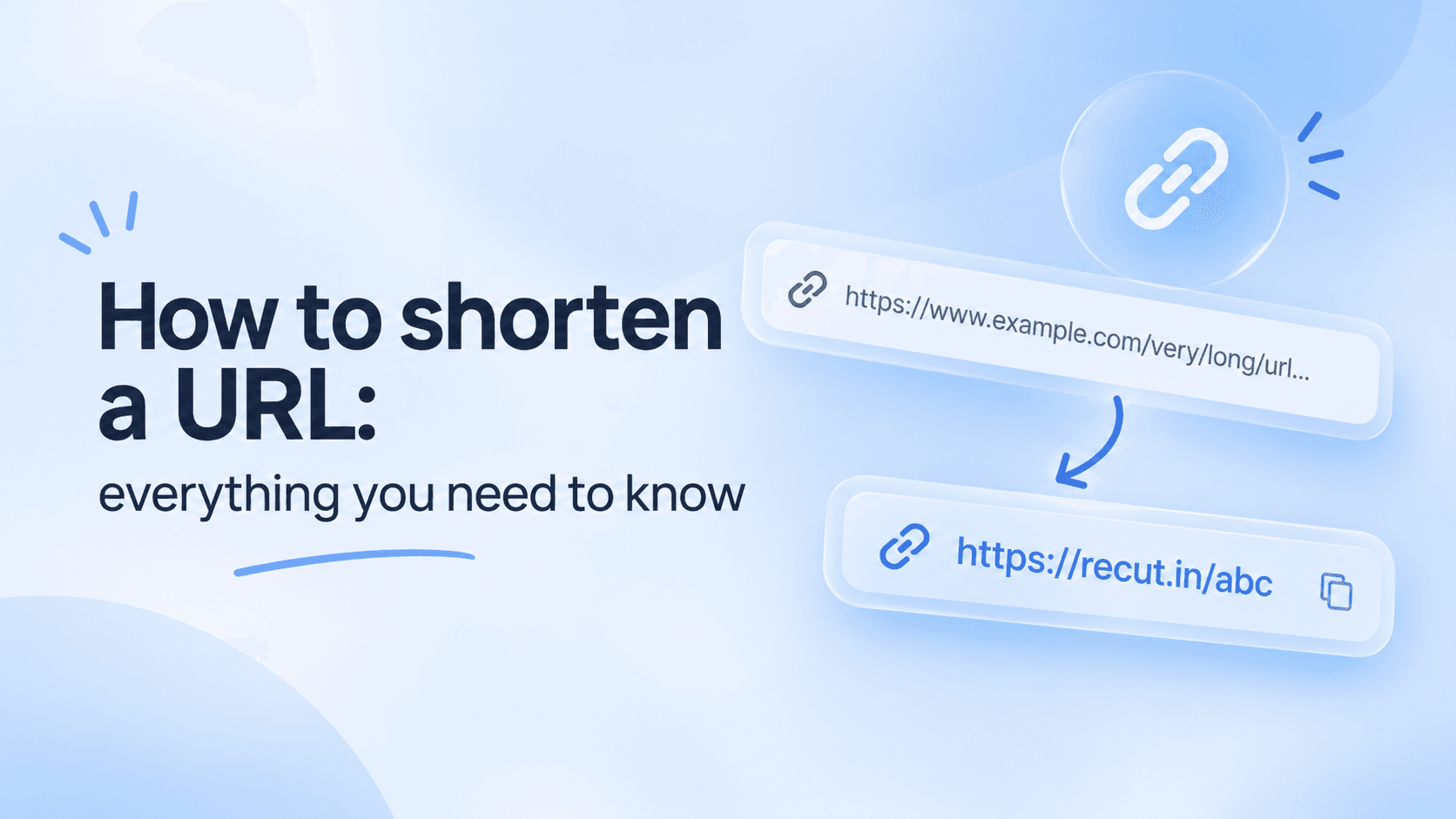
Long links often contain unnecessary characters that take up valuable message space, such as product IDs in a product page URL. You don't have to manually edit or remove these characters before sharing a link. A URL shortener makes long addresses shorter.
The goal is not simply to reduce the length of a link. The new link also needs to work correctly and be easy to understand.
1. Copy the full destination URL
Open the page you want to direct people to. Make sure you have the complete address, not an incomplete URL or a search results page.
Keep any campaign parameters if you are unsure whether they are still necessary. These parameters can sometimes help you understand where your website visitors are coming from.
2. Create the short link
There are several URL shorteners available online. Copy the long URL you want to shorten and paste it into the shortener's input field.
Some URL shorteners automatically generate a random ending, while others let you choose a custom one. A meaningful ending can make your link easier to remember, but it still needs to be available.
You can check available custom endings using Recut.
Recut allows you to create custom endings and track how your shortened links perform. You can also shorten links using your own branded domain. Available features depend on your plan, so check the pricing page for more details.
3. Test it before sharing
Open the shortened URL and check whether it takes you to the correct destination. You can also test it in a private browser window or on another device.
If the original URL contains a coupon or discount code, check the destination page to make sure the code still works as expected.
4. Choose the right link for the situation
Random short URLs work well for quick messages. If you want a link to remain recognizable for a longer period, such as on a presentation, flyer, or social media profile, choose a more meaningful short URL.
Branded domains can make business links easier to recognize because the domain belongs to the business itself.
Click tracking can help you understand how different campaigns or channels perform, but it is not necessary for every personal link. Use tracking when the collected data can actually help you make better decisions.
A quick check before publishing
Read the short link once, open it, and check the final destination. Make sure it leads to the correct page and is accessible to the intended audience.
For important campaigns, keep both the original URL and the shortened version so you can refer back to them whenever needed.
A good short link should make sharing easier. That's the standard worth following, whether you are shortening one link or hundreds.
Gaurav Kumar
AuthorWriting about link infrastructure, branded domains, retargeting pixels, and URL shortener analytics.