
How to Send iPhone Users to the App Store and Android Users to Google Play

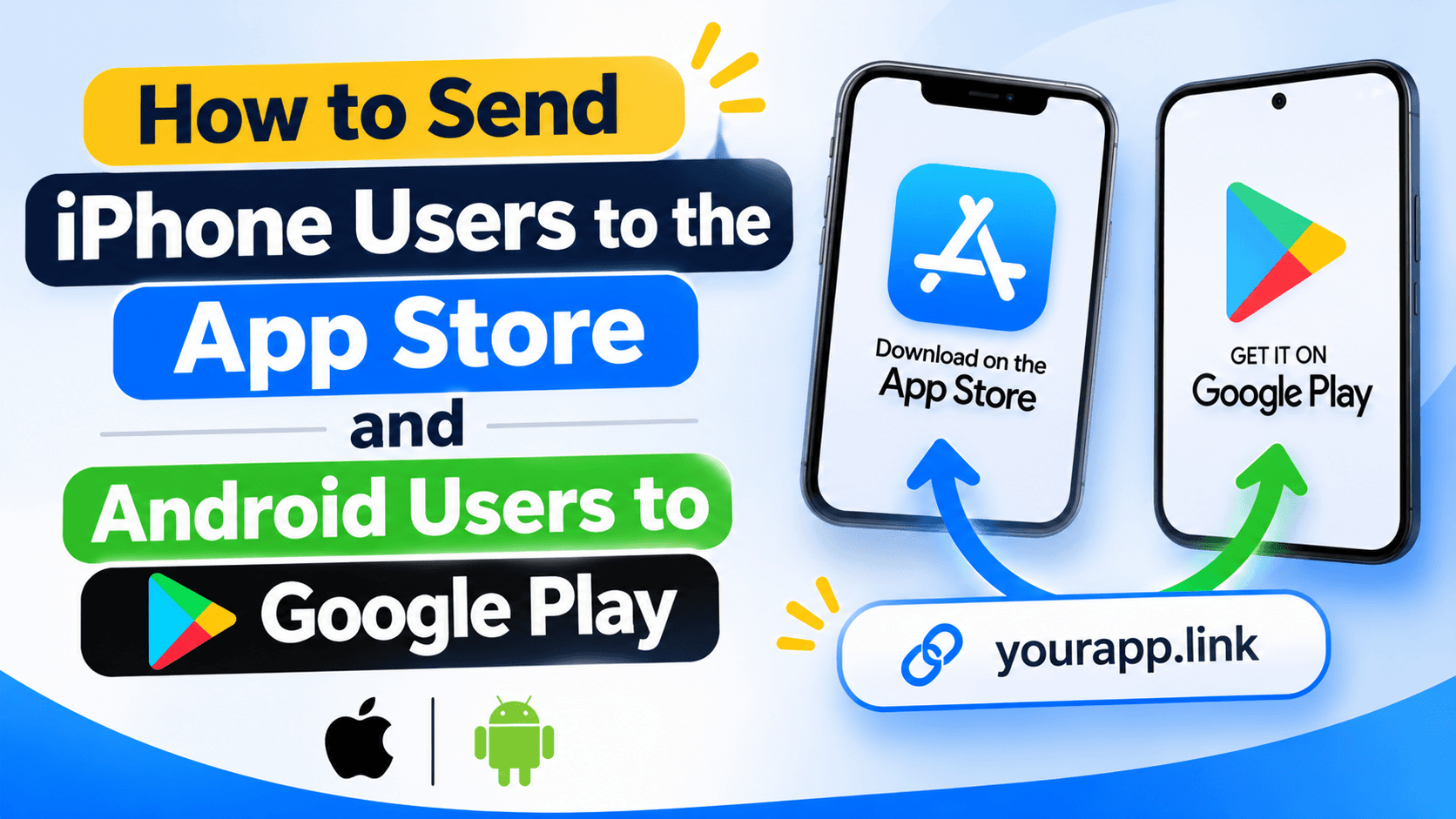
Use one download link for iPhone and Android
If you share a Google Play link on Instagram, an iPhone user cannot install the iOS version from it. If you share an App Store link, Android users get the same problem. A device-aware link can send each person to the right store.
You only need one URL in your bio, QR code or campaign. The link checks the device and picks the destination you set.
Prepare the three destinations
Copy the iOS App Store URL and the Google Play URL for your app. Also choose a website page for desktop visitors. That page could explain the app and show both store buttons.
Open each URL yourself. Check that the app name, developer name and country availability are right. Do not use a store listing that is not available in the regions you target.
Add the device destinations
In a device-targeting link tool, add the App Store URL for iPhone or iOS devices and the Google Play URL for Android. Add the website page as the fallback for desktop or other devices. The labels in your dashboard may differ, so check the current device options before saving.
Do not treat this as the same thing as opening an already-installed app. Store routing sends people to install the app. Deep linking sends a person into the app when the app is installed and the link supports that destination.
Test on real phones
Tap the same short link from an iPhone and an Android phone. The iPhone should reach the App Store, and the Android phone should reach Google Play. Test the desktop version too.
If your app is available only in selected countries, test a store account from one of those countries. A correct device route cannot make an unavailable app listing appear.
Keep store links current
Apps can change their store URLs after a rename, package change or new listing. Keep the original store links in your campaign sheet. Test them again before a major app release or paid campaign.
Use one link for both app stores
In Recut, you can set different destinations for iPhone, Android and desktop visitors. Add the App Store and Google Play URLs, then test the same short link on all three device types. See the Recut URL Shortener.
Frequently asked questions
Can one link open the App Store on iPhone and Google Play on Android?
Yes. Use device targeting and set a different store URL for each device type.
What should desktop visitors see?
Send them to your app website or a page that shows both store buttons.
Does device targeting open the app if it is already installed?
Not by itself. Sending someone to an app store and opening an installed app are different link behaviours.
Can I use the same link in a QR code?
Yes. A QR code can open the same device-aware URL. Test the QR with both iPhone and Android cameras.
Gaurav Kumar
AuthorWriting about link infrastructure, branded domains, retargeting pixels, and URL shortener analytics.