
How to Put Your Logo in a QR Code and Add a Scan-Me Frame

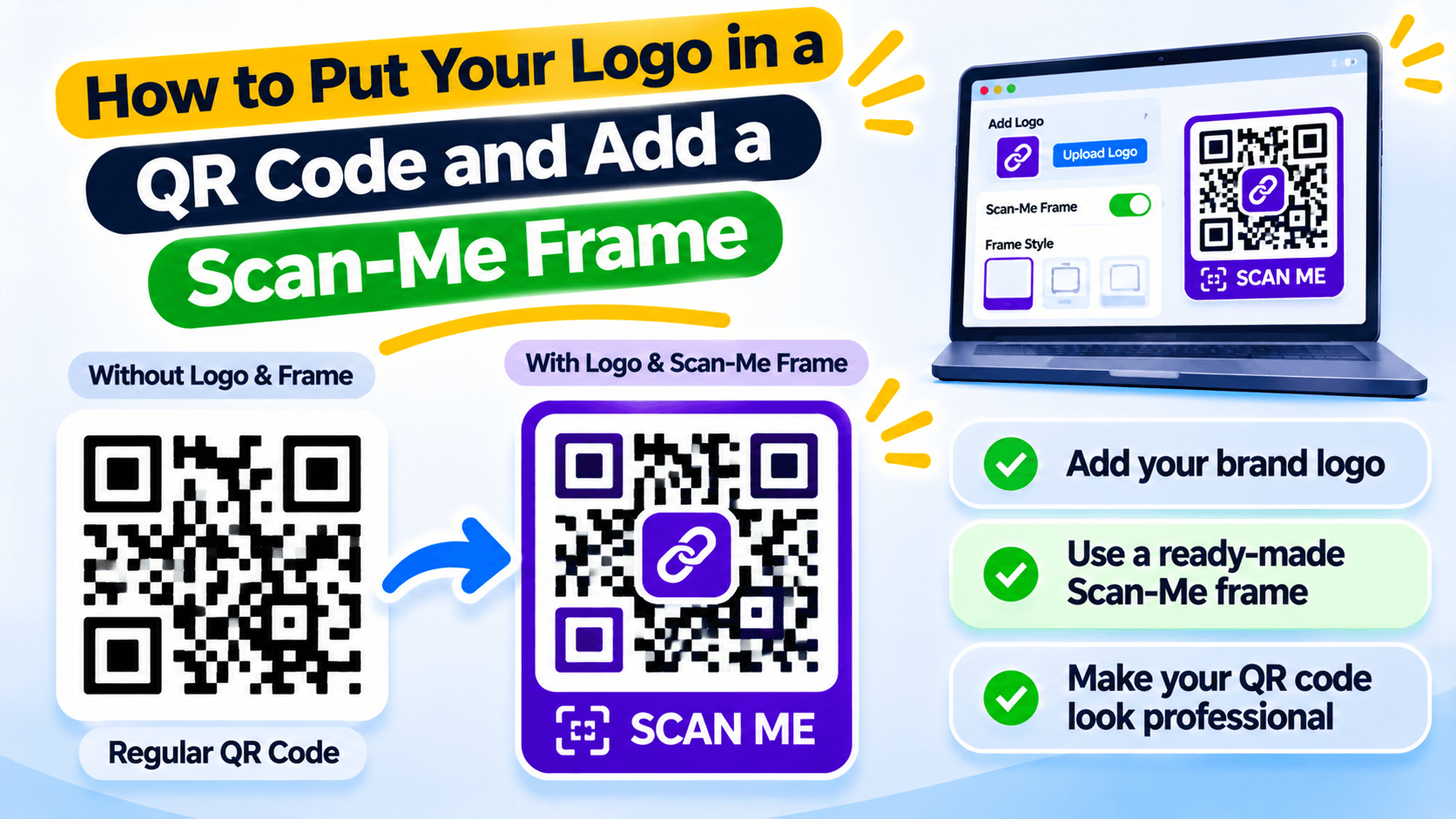
A logo can cover the part a phone needs to read
Putting a logo in the middle of a QR code makes the design easier to recognise. But the logo covers some of the code's pattern. If it covers too much, a phone may not scan it.
The goal is to keep the logo small, the code easy to read and the destination correct. Do not judge the code only by how it looks on your screen.
Use a simple logo and clear colours
A compact logo with clean edges is easier to place than a detailed image with tiny text. Keep a clear background behind it so the logo does not blend into the QR pattern. Use dark code modules on a light background unless you have tested another colour combination carefully.
Keep the code corners and outer margin clear
QR codes use the large corner squares to help a camera find and orient the code. Do not cover those squares with a logo, frame or artwork. Leave a clear blank margin around the full code. That space is called the quiet zone; scanners need it to separate the code from nearby print.
Add a frame that tells people what to do
A frame can show a short instruction such as Scan for menu, View catalogue or Register here. Use words that match the destination. Scan me is fine, but a more specific label tells people what they will get before they open the camera.
Test the printed code at its real size
Download the final file and print a sample at the size you plan to use. Scan it with more than one phone and under the light where it will be displayed. A code that scans on a laptop screen may fail on a glossy label or a poster viewed from a distance.
If a scan is slow, remove the logo or frame first, increase contrast and try again. Do not send the full print run until the sample works.
Make a branded QR code for your shop or event
In Recut QR Codes, you can add a logo and a frame with text such as “Scan me”. Keep the code dark against a light background, leave clear space around it and test the final image at the size you plan to print. See Recut QR Codes.
Frequently asked questions
Can I put my logo in the middle of a QR code?
Yes, but the logo must not cover too much of the code. Keep it away from the three large corner markers and test the final print.
Why does my QR code stop scanning after I add a logo?
The logo may cover too many data areas, or the colours and contrast may make the pattern hard to read.
What is the quiet zone around a QR code?
It is the blank margin around the code. It helps a camera identify the code separately from nearby text and artwork.
What should I write on a QR code frame?
Use a short label that says what the person will get, such as Scan for menu or Register here.
Gaurav Kumar
AuthorWriting about link infrastructure, branded domains, retargeting pixels, and URL shortener analytics.