
How to Promote Video Podcasts Across YouTube, Instagram, and LinkedIn
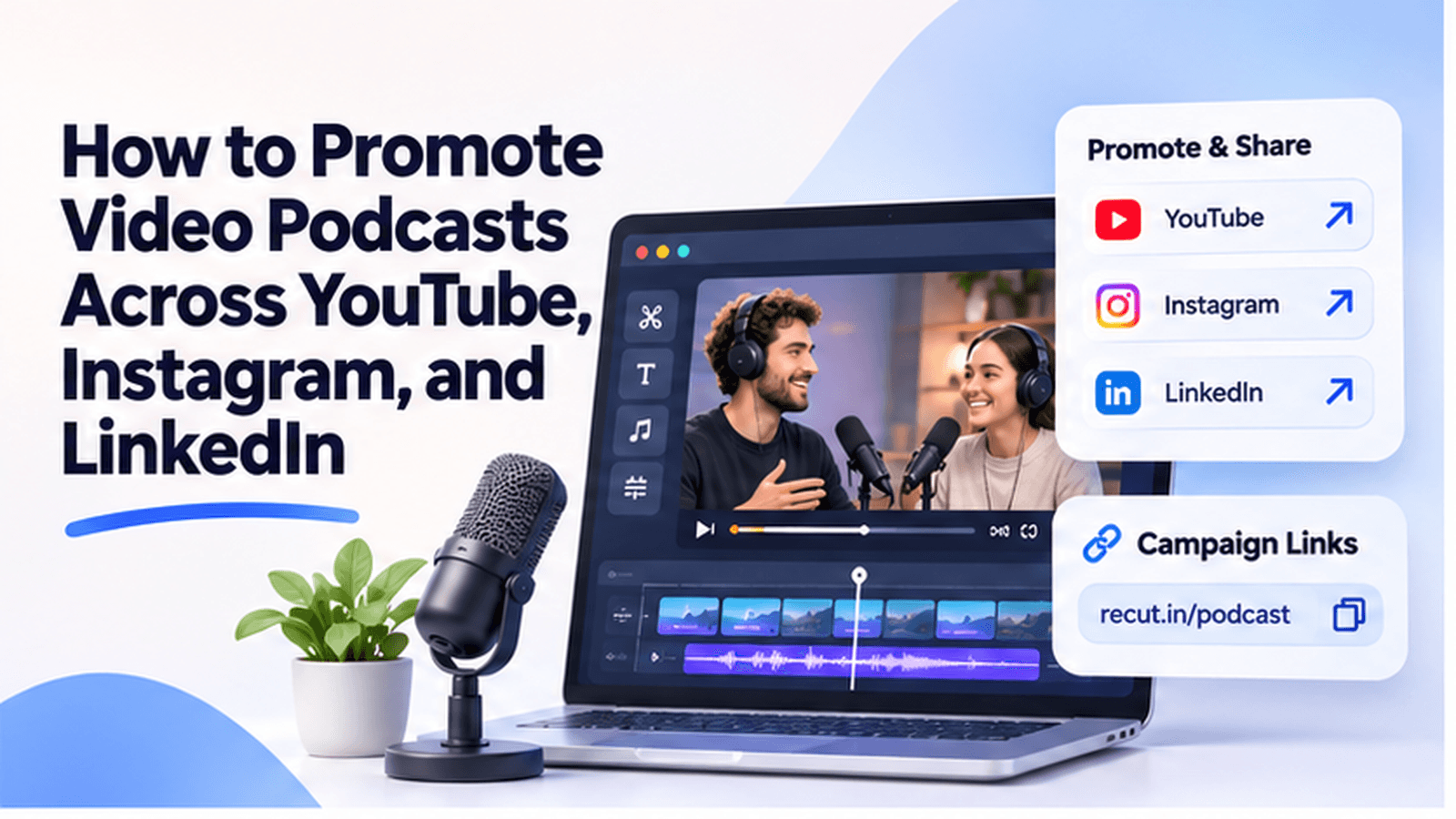
Promoting a video podcast means getting episodes in front of people who have not found the show yet, by adapting each recording into content that suits every platform where an audience might discover it. A full episode is rarely the best way to introduce a new listener. A sharp clip, a clear idea, or a memorable quote often does that job better, and the full episode becomes the destination.
YouTube, Instagram, and LinkedIn are three of the most useful places to do this, and each rewards a different kind of content. YouTube suits long-form viewing and search. Instagram favors short, visual teasers. LinkedIn responds to professional insight. This article looks at what each platform does best, what stays consistent across all of them, how to plan a steady rhythm of content from one episode, and how editing makes the whole system manageable.
YouTube: Home Base for Full Episodes
For many video podcasts, YouTube is the primary home. It holds the full episodes, and it works as a search engine as well as a feed, so people can find an episode by looking for its topic.
A few elements matter most. A clear title that says what the episode covers helps viewers decide quickly. A strong thumbnail with a readable face and short text supports the title. A useful description, with a short summary and links, gives context. Chapters let viewers jump to the part they care about, and they help the episode feel organized.
YouTube also supports short vertical clips, which can introduce the show to people who would never start with a long episode. Playlists group related episodes, so a viewer who enjoys one conversation can move easily to the next.
Instagram: Short, Visual Teasers
Instagram works best for quick, striking moments. A short clip that opens with a clear hook and delivers a single idea fits how people move through the feed.
Because many viewers watch without sound, captions are close to essential. A strong cover frame helps a clip stand out in a profile grid, and a short caption in the post gives context. Clips from the most interesting or surprising parts of a conversation tend to suit the platform better than a neutral summary.
Instagram is also useful for showing the people behind the show. Short glimpses of the recording and the guest make the show feel personal, and they give followers a reason to come back.
LinkedIn: Professional Takeaways
LinkedIn rewards content that gives its audience something useful for their work. A podcast clip fits best when it leads with a clear insight, such as a lesson a guest learned or a practical idea a listener can apply.
Pairing a clip with a short written post helps. The text can state the takeaway in a sentence or two, add context about the guest, and invite discussion. Tagging the guest, with their permission, extends the reach to their own network. The tone is usually more measured than on Instagram, with the focus on substance over entertainment.
Native video, uploaded directly instead of linked, tends to suit the platform, and captions remain important for viewers watching without sound.
What Stays the Same Across Platforms
Although each platform has its own style, several principles apply everywhere.
A strong opening. The first seconds decide whether anyone keeps watching, so clips should start on the point and skip lengthy introductions.
Captions. On-screen text makes clips watchable without sound and helps viewers follow names and terms.
One idea per clip. A clip that makes a single point is easier to understand and share than one that wanders.
Consistent branding. A recognizable look, including colors, fonts, and caption style, helps viewers connect clips across platforms.
A clear next step. Each clip should point somewhere, whether that is the full episode, the channel, or the show's page.
Guest context. Naming the guest and their role helps viewers decide whether the conversation is relevant to them.
Planning a Content Rhythm
A single episode can feed several days or weeks of content, which makes promotion far more sustainable than treating each post as a separate effort.
One approach is to release the full episode first, then follow with a short teaser clip, a more specific insight clip aimed at a professional audience, and a visual moment for Instagram over the following days. Later clips can revisit quotes or topics from earlier episodes, so older conversations keep finding new viewers.
Batching helps. Cutting all of an episode's clips in one sitting, then scheduling them across platforms, is much faster than producing each one as needed. A simple record of which clips have gone out, and where, keeps the rhythm steady and avoids repeats.
Editing for Multiple Platforms
Promotion depends on editing, because every platform needs its own version. Clips have to be cut to the right length and shape, captions have to be added, and guest names and topic labels often help viewers follow along.
Doing this by hand for several clips per episode is a lot of work, especially for small teams. This is where AI-assisted editing helps most, since it can find strong moments, cut them to the format requested, and add captions, leaving the creator to review and refine rather than build each one from scratch.
Invideo Editor: Clips and Captions for Every Platform
Invideo Editor brings this editing work into a single browser-based project. As a podcast video editor, it lets you upload your recordings, describe the episode, and have an AI agent assemble an editable base cut, then cut highlight clips for the platforms you promote on.
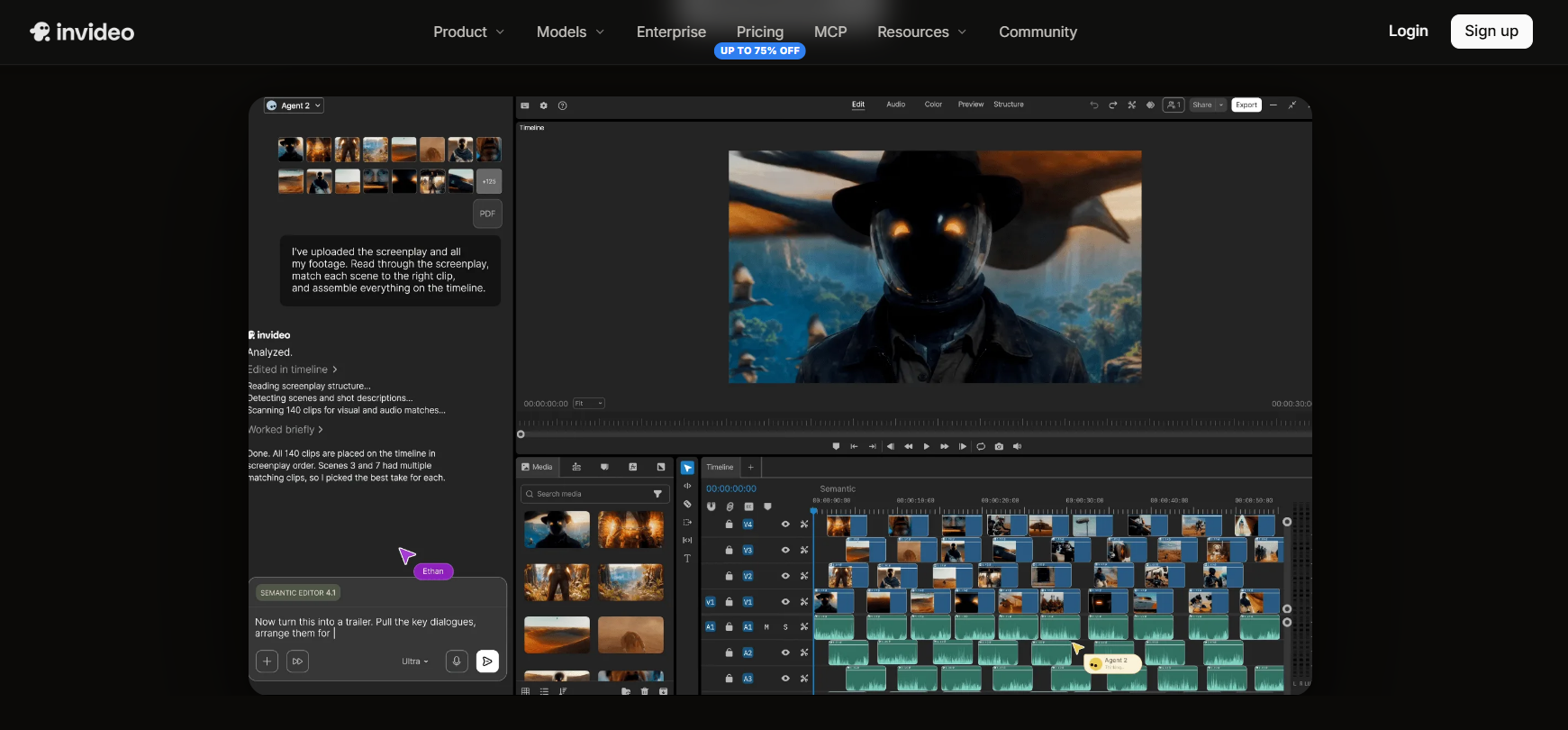
Key features:
- Highlight clips cut to the topics, length, and format you specify for YouTube, Instagram, and TikTok
- Captions, guest name titles, and topic cards that land on the timeline as editable blocks
- Chapter markers that mark topic changes, useful for YouTube chapters and show note timestamps
- A base cut built from an outline or a description of the episode, with fillers, silences, and repeated lines removed
- Multicam sync that lines up every angle to an audio source and cuts to whoever is speaking
- Voice isolation, de-noising, auto-leveling, and music ducking beneath speech
- Dubbing into 50+ languages with lip sync, for reaching audiences in other languages
- Audio-only export as WAV, AAC, or Opus, and an editable project export for Premiere Pro, Final Cut Pro, or DaVinci Resolve
- Review links, so a guest or collaborator can comment on the exact frame before a clip goes out
For promotion, the benefit is that the full episode and its clips come from the same project, so branding and captions stay consistent from one platform to the next. You can describe the moments you want, review what the agent cuts, and adjust anything by hand. The manual editor is free to use, while agents use credits when assigned work. It runs in the browser, and agent jobs keep running when the tab is closed.
Measuring What Works
Each platform shows different signals, and a few are worth watching.
Watch time and retention. On YouTube, how far viewers get shows which topics hold attention.
Shares and saves. On Instagram, these show which clips people found worth passing on.
Comments and discussion. On LinkedIn, thoughtful comments indicate that a clip resonated with the intended audience.
Clicks to the full episode. Whichever platform, this is the clearest sign that a clip is doing its job.
Subscribers and followers. Gains after particular clips point to the topics and formats that attract new listeners.
Comparing results across platforms and episodes shows which kinds of moments work where, so the next round of clips can be chosen with more confidence.
Common Mistakes to Avoid
Posting the same clip everywhere. Each platform has its own style, and a version made for one rarely suits another.
Slow openings. Clips that start with a long introduction lose viewers early.
Skipping captions. Many viewers watch without sound, so a clip without captions loses them.
Treating clips as an afterthought. Promotion works best when the episode is recorded with shareable moments in mind.
Posting without a next step. A clip that does not point to the full episode wastes the interest it creates.
Neglecting guests. Guests can be strong amplifiers when they are tagged and given content they are happy to share.
Final Thoughts
Promoting a video podcast is largely a matter of adaptation. The conversation stays the same, while its packaging changes to suit each platform: full episodes and chapters on YouTube, quick visual teasers on Instagram, and insight-led clips on LinkedIn.
With a steady rhythm and an editing process that makes clips quick to produce, one episode can reach three different audiences, and each of them gets a reason to find the full show.
FAQ
Where should a video podcast be published first?
YouTube is usually the main home for full episodes, since it supports long-form viewing and search. Instagram and LinkedIn then help with discovery through shorter clips.
How many clips should I make from one episode?
There is no fixed number. A few strong clips that each make a single point are better than many weak ones.
Do I need different clips for each platform?
Often yes. The core moment can be the same, but the opening, length, and framing may change to suit each audience.
Can one tool produce clips for several platforms?
Yes. Invideo Editor can cut clips to a length and format you specify for YouTube, Instagram, and TikTok, and add captions and guest titles to each.
How do I keep clips on brand across platforms?
Use the same caption style, colors, and fonts, and build clips from one project. In an editor like invideo editor, the full episode and its clips share a project, which helps keep them consistent.

Team Recut
AuthorArticles featuring sponsored brands, products, and services.