
How to Make a Short Link Expire After a Date or a Number of Clicks

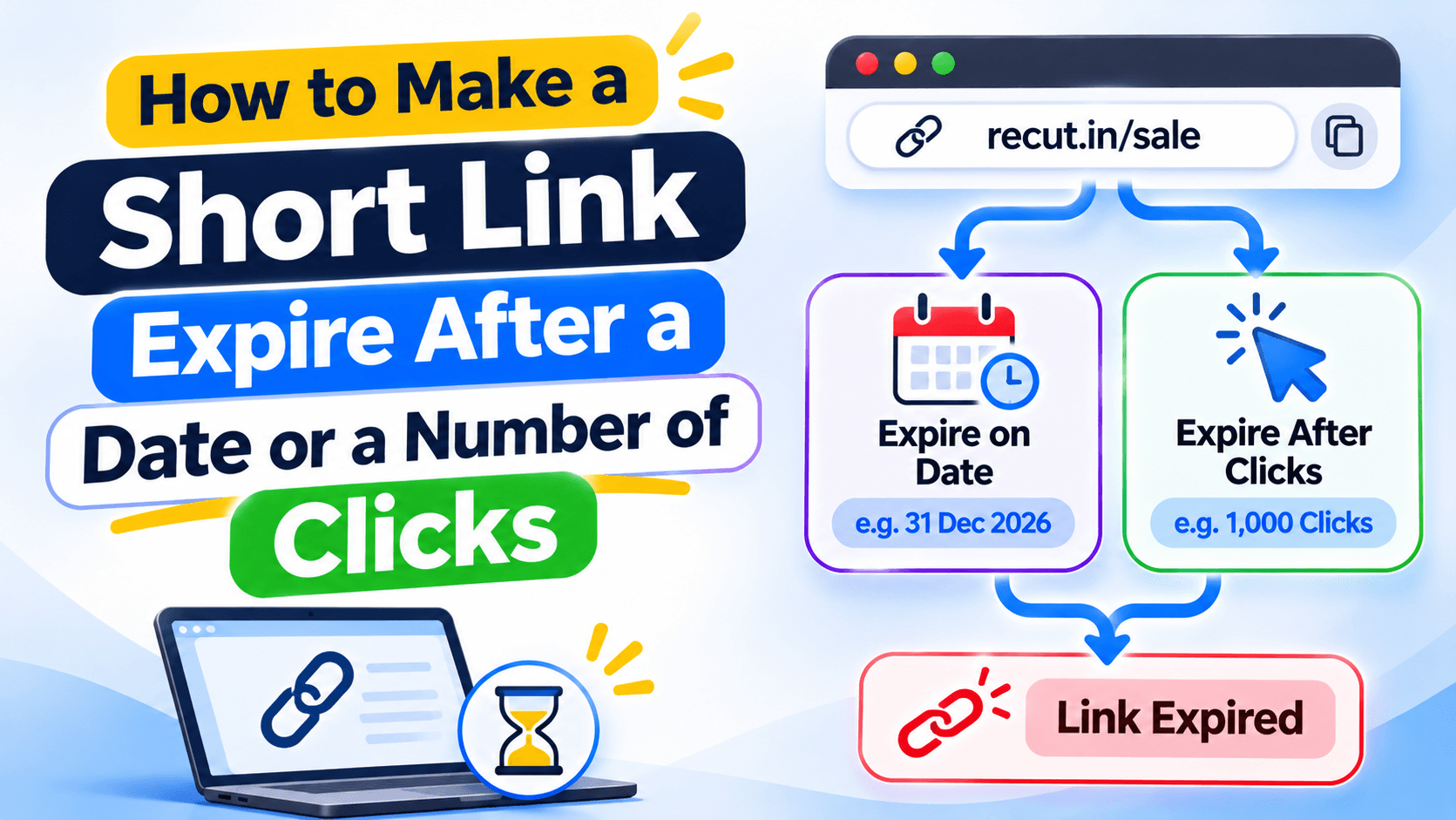
Choose a date or a click limit
A link for a weekend sale may need to stop working on Sunday night. A coupon for the first 200 customers needs a click limit instead. These are two different rules, so decide what you promised before you create the link.
Set the end date and time
Choose the date and time when the link should stop sending visitors to the current offer. Think about the time zone. If your customers are in India, use the time your Indian audience expects, not the time zone of a teammate working elsewhere.
Choose what visitors should see after the link expires. A page that says the offer has ended and shows the current offer is more useful than a blank error.
Set a click cap for limited offers
A click cap is useful when an offer is available to a limited number of visitors. Set the limit before you publish the campaign and choose a backup destination for people who arrive after the cap is reached.
Check whether the product counts total clicks or another type of visit. Do not describe the limit as the first 500 buyers unless the system is actually counting purchases. A click is not the same as an order.
Test what happens after the limit
Create a test link with a small cap if your plan allows it. Open the link until the cap is reached and check the next visit. For a date expiry, use a separate test link with a near-future end time. This lets you check the fallback page without risking a live promotion.
Tell customers what the limit means
If the offer is for the first 200 clicks, say clicks. If it is for the first 200 orders, the link limit alone cannot confirm that. Use checkout or inventory rules to control the number of orders. Clear wording prevents customers from expecting something the link cannot guarantee.
Set an expiry or click limit on a short link
In Recut, you can set a short link to expire or stop sending visitors to its main destination after a click limit is reached. Choose the fallback page and test it before the offer goes live. See the Recut URL Shortener.
Frequently asked questions
Can I make a short link expire on a certain date?
Yes. Set an expiry date and time, then choose the page visitors should see after the link expires.
Can I limit a short link to 500 clicks?
A click-limit rule can cap visits. Check whether the product counts total clicks or another measure before describing it as a limit on customers or orders.
What happens after a short link expires?
That depends on the fallback you set. Send visitors to an expired-offer page or another useful destination.
Does a click limit count purchases?
No, a click is not a purchase. Use checkout or inventory controls if you need to limit the number of orders.
Gaurav Kumar
AuthorWriting about link infrastructure, branded domains, retargeting pixels, and URL shortener analytics.