
How to Make a Link-in-Bio Page for Instagram

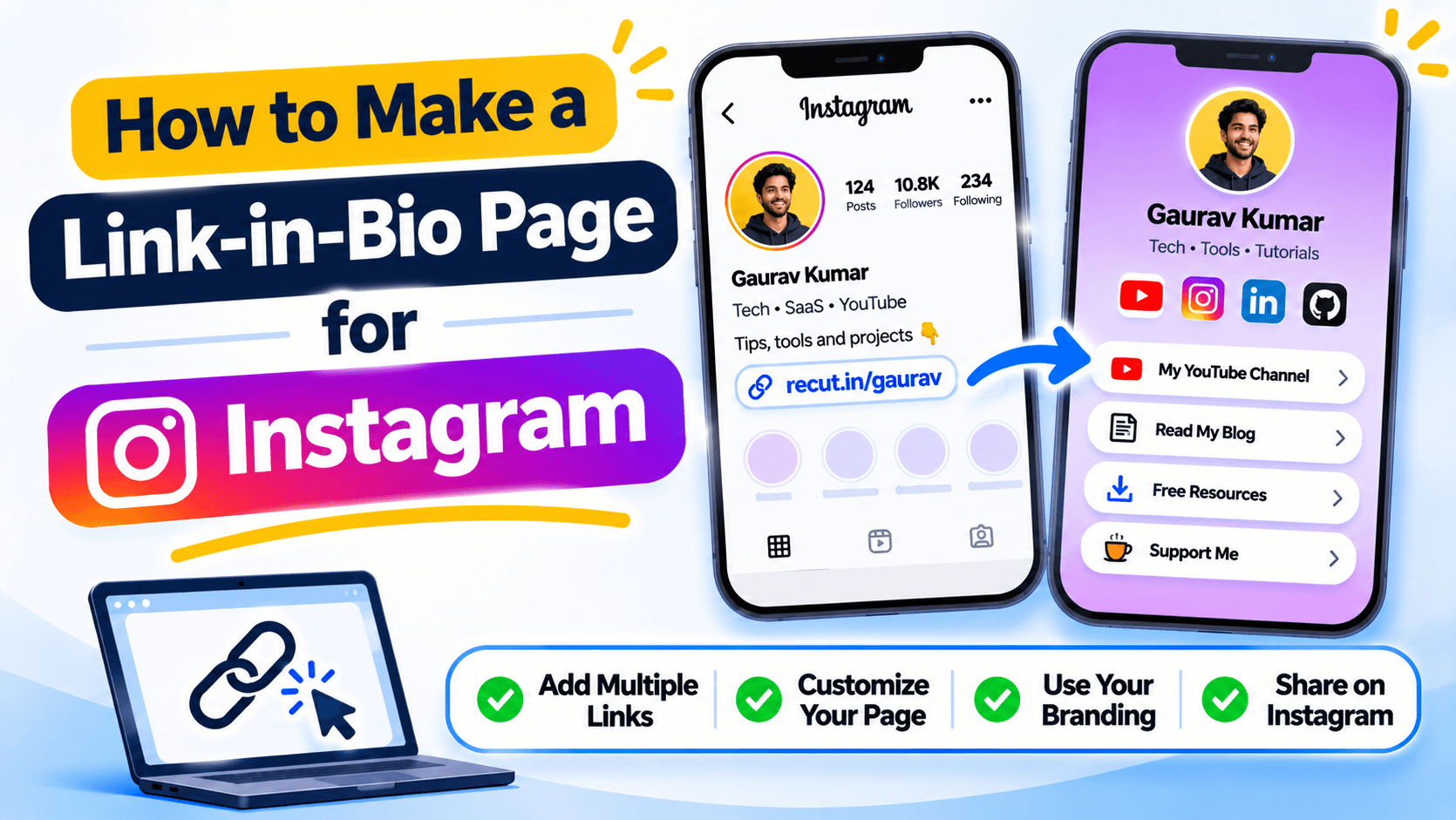
Put the link people need first
An Instagram bio has room for only a short introduction and a link. A link-in-bio page gives you one place to list your shop, latest video, booking page and other important links. People tap the bio link and choose where to go next.
Start with the one action that matters most. If you want people to book an appointment, put the booking link near the top. Do not make visitors scroll past ten social profiles to find it.
Choose what belongs on the page
Add only links that your audience may need. A creator might include a YouTube channel, a new video, a newsletter and a contact page. A shop might include best sellers, order tracking, customer support and a sale page.
If two links go to almost the same place, keep the stronger one. A long list is not automatically more useful.
Build the page for a phone screen
Most visitors open an Instagram bio from a phone. Check the page on a small screen, not only in the desktop editor. Use short link names, readable text and buttons that are easy to tap. Put your most important link near the top.
Make the page look like the same brand
Use the same profile image, colours and wording people already know from your Instagram account. If the page belongs to a shop, use the shop name. If it belongs to a creator, make the page name easy to recognise. Do not use a title such as My Links if visitors cannot tell whose page it is.
Check every button before sharing
Tap each button. Make sure it reaches the right page and opens the right app where expected. Check product links, payment pages and contact details carefully. A link-in-bio page can be the first place a new customer sees your business, so a broken button is easy to notice.
Build your Instagram bio page in Recut
You can make a bio page in Recut and use its URL in your Instagram profile. Add the links people ask you for most, put the important one near the top and open the page on your phone before sharing it. See Recut Bio Pages.
Frequently asked questions
What is a link-in-bio page?
It is a small landing page with several links that you can share through the website link on your social profile.
What should I put on my Instagram link-in-bio page?
Start with your main action, then add the links people ask for most, such as your shop, latest video, booking page or contact details.
How many links should I put on a bio page?
There is no fixed number. Add the links your audience needs and remove old or repeated ones.
Can I use a link-in-bio page for a business?
Yes. A business can use it for products, support, booking, store locations and other useful pages.
Gaurav Kumar
AuthorWriting about link infrastructure, branded domains, retargeting pixels, and URL shortener analytics.