
How to Generate QR Codes in Bulk for Products and Events

Use a spreadsheet when you need many QR codes
A shop may need one code for each product. An event team may need a different code for every session, table or ticket type. Making them one at a time invites mistakes. A bulk QR workflow starts with a list and creates a batch from it.
Prepare and check the list first
Put one destination on each row of your spreadsheet. Add a name or product code beside it so you can match the finished QR image to the right item. Before generating anything, open the URLs and check that each one points to the right page.
For example, a restaurant might use table-01, table-02 and table-03 as file names. A shop might use product SKUs. The names should match the labels your team already uses.
Keep the rows in the same order
If the importer asks you to map columns, choose the column with the destination URL and the column used for the file name. Check a preview before you generate the full batch. One shifted column can turn every QR code into the wrong destination.
Choose a file type for the job
PNG is easy to use in documents and online posts. SVG is useful for print because it can scale without becoming blurry. If the print shop asks for a particular format or size, follow its instructions and check a proof before the full run.
Scan a sample from the finished batch
Open several files from different parts of the batch. Scan them and compare the result with your spreadsheet. For high-value packaging or tickets, check every code or use a process that records which rows were verified. A single wrong destination can send a customer to the wrong product or event.
Make a batch of QR codes with Recut
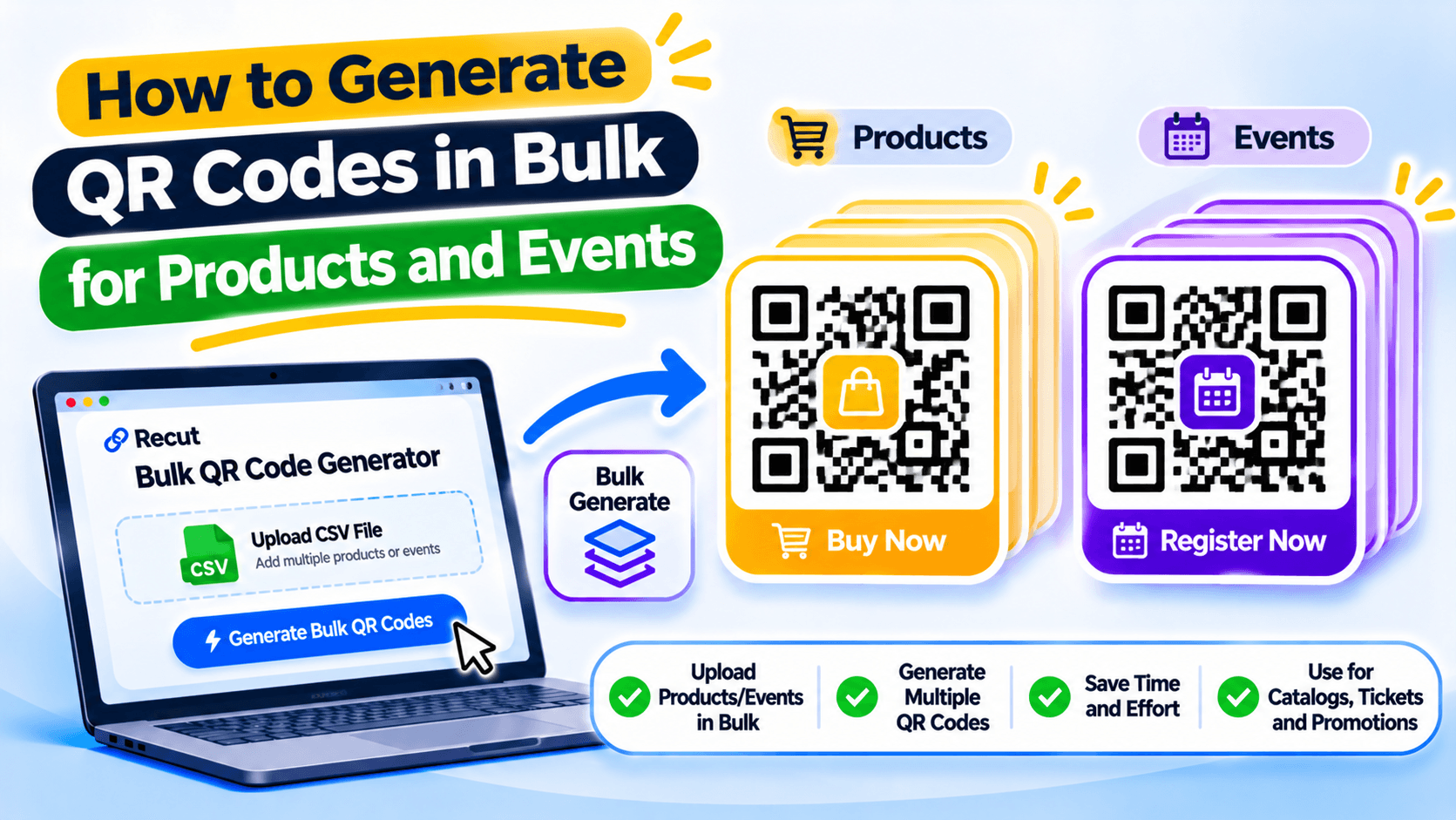
You can create QR codes in bulk with Recut instead of building each one by hand. Check the CSV format and available export types in the editor, then scan a sample from the actual print size before sending the full batch to the printer. See Recut QR Codes.
Frequently asked questions
How do I generate QR codes in bulk from Excel?
Prepare one destination per row, save or export the sheet in a supported format, then use a bulk QR tool that lets you map the URL and file-name columns.
Can every QR code have a different link?
Yes. A bulk batch can create a separate code for each row, provided the tool supports per-row destinations.
Should I download QR codes as PNG or SVG?
PNG is useful for screens and documents. SVG is usually better for print because it scales cleanly.
How do I check a batch of QR codes?
Scan samples from the start, middle and end of the batch. For tickets, labels or packaging, use a checking process that matches each code to its source row.
Gaurav Kumar
AuthorWriting about link infrastructure, branded domains, retargeting pixels, and URL shortener analytics.