
How to Export Short Link Click Data to CSV or Excel

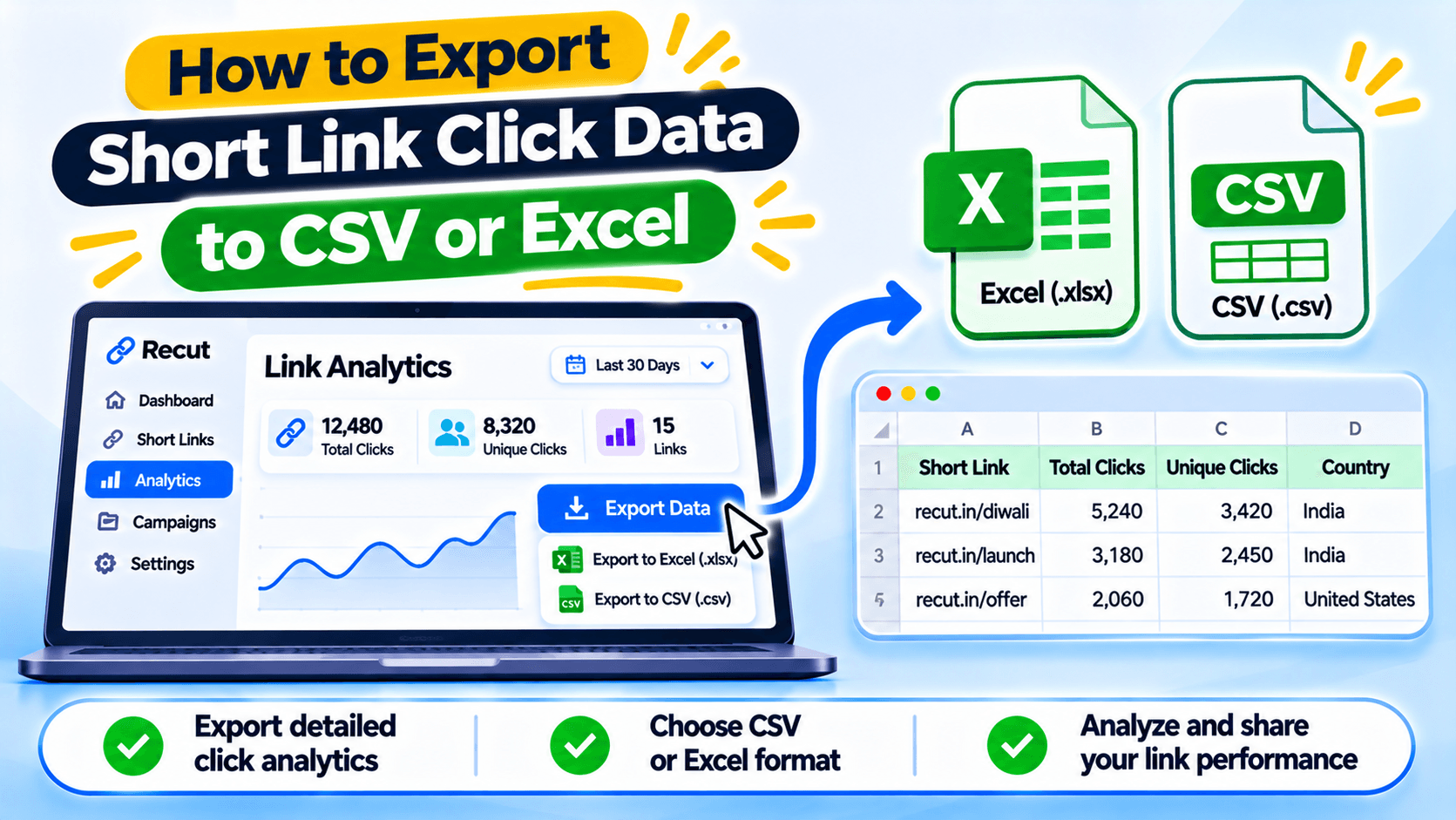
Choose the report before you export
A client may ask for last month's short-link clicks. Your team may need a list of every URL and its destination. Those are different exports. Decide what question the spreadsheet should answer before downloading data.
Link list, click log and campaign report are different
A link list shows which short URLs exist and where they point. A click report shows activity on those links. A campaign report may group several links under one promotion. If you need country, referrer or device details, check that the export includes those fields before you build your report.
Export the fields you need
Open the report or link list in your account and look for the export option. Choose the date range and filters before downloading. The exact menu names and available fields can change, so use the export options shown in your current dashboard.
If you need a report for one client, filter the links first. It is easier than exporting everything and sorting it afterwards.
Check the spreadsheet before sending it
Open the CSV or Excel file and check the date range, link names and totals. Look for blank rows, repeated headers and columns that were not included. Make sure the file opens correctly before you send it to a client or teammate.
Do not call clicks conversions
A click report tells you that a short link was opened. It does not prove someone bought a product or submitted a form. Add sales or lead data from your analytics tool or CRM if you need to report conversions.
Keep clicks, GA4 sessions, leads and purchases in separate columns. This makes the report easier to understand and harder to misread.
Share only the data the recipient needs
Before sending the file, remove visitor details or columns the recipient does not need. Use a clear file name, such as diwali-instagram-clicks-2026-11.csv, and note the time zone and date range. Keep the original export unchanged in case you need to check it later.
Download the link report you need from Recut
In Recut, choose the link list or click report that answers your question, set the date range and export the file. Check the columns before sending it on. Keep clicks separate from sign-ups and sales.
Frequently asked questions
Can I export short-link clicks to CSV?
Recut supports exporting link and click data. Check the current report options in your account for the available fields and formats.
Can I open a CSV export in Excel?
Yes. Open the CSV in Excel or import it through the Data menu so you can check the columns and date formats.
Does a click export show purchases?
Not by itself. You need sales or lead data from your website analytics or CRM to report conversions.
Can I export country and referrer data?
The feature list includes exports for geolocations and referrers. Check the selected report to confirm which columns it contains.
Gaurav Kumar
AuthorWriting about link infrastructure, branded domains, retargeting pixels, and URL shortener analytics.