
How to Create a Short Link With the Recut API

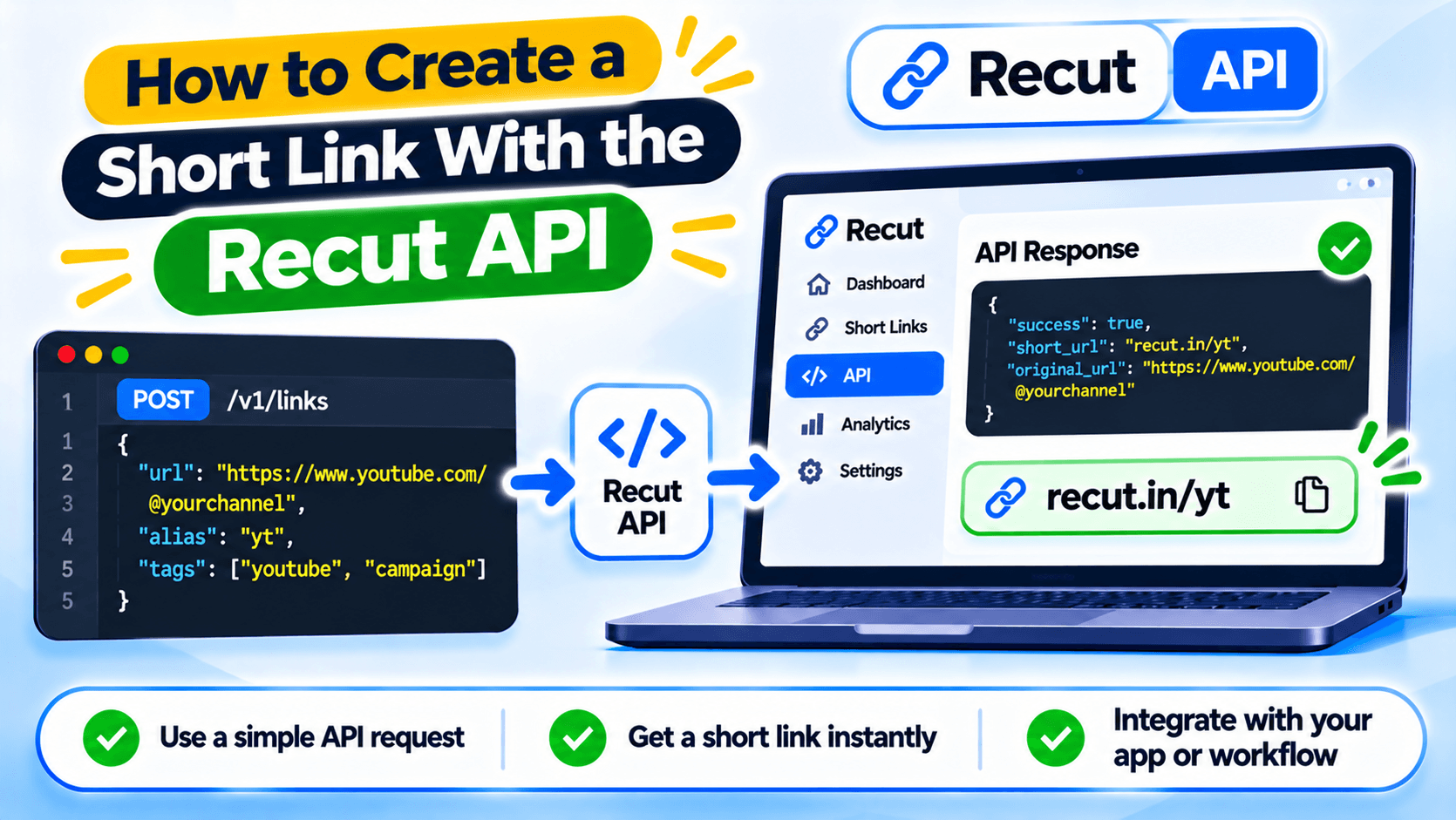
Create short links from your own app
The Recut API lets your server create short links without someone opening the dashboard each time. You might use it after a customer places an order, when your app publishes a campaign or when a user submits a form.
The example below uses the public POST /api/url/add endpoint and creates a short link from a destination URL.
Create an API key and keep it private
Sign in to your Recut account and open the developer area. Use the API key generated for your account. The API expects the key in a Bearer authorization header.
Keep the key on your server in an environment variable or secret store. Do not put it in frontend JavaScript, a public mobile app or a GitHub repository. Anyone who finds the key may be able to use your account's API access.
Send a request to create the link
The required field is url. You can also send custom if you want a specific alias. The API reference lists other optional fields for domains, expiry, targeting, pixels and campaign assignment. Add those only when your application needs them.
curl --request POST 'https://app.recut.in/api/url/add' \
  --header 'Authorization: Bearer YOUR_API_KEY' \
  --header 'Content-Type: application/json' \
  --data '{"url":"https://example.com/product","custom":"product-page"}'
Replace YOUR_API_KEY and the sample URL with your own values. Do not use a real key in a public example.
Check the response before saving the short URL
The API reference shows a successful response with an error value of 0, an ID and a shorturl. Check the HTTP status and response body before saving the URL to your database. If the request fails, log the error safely and show a useful message to the user.
Do not assume that every alias is available. Handle an alias conflict or invalid URL without breaking the form or order flow.
Add server-side checks
Validate the destination URL before sending it to the API. Allow only URL schemes your application supports, and do not accept arbitrary internal network addresses from untrusted users. Add timeouts, handle network errors and avoid logging the Bearer token.
After creating a link, open it and check that the destination is correct. If you use a custom domain, expiry or device rules, test those settings too.
Check your account rate limit
The public API reference currently states a limit of 30 requests per minute and says the limit may change by plan. It also documents rate-limit headers. Read the current headers and check your account's limit before hard-coding a number. If your app creates many links at once, queue requests and handle rate-limit responses.
Create short links from your app with the Recut API
Use the Recut API when your server needs to create a short link without opening the dashboard. The example above uses the documented create-link endpoint. Keep the API key on your server and check the live reference for current parameters and plan limits.
Frequently asked questions
What is the Recut API endpoint for creating a short link?
The public reference lists POST https://app.recut.in/api/url/add for creating a short link.
How do I authenticate with the Recut API?
Send your API key in the Authorization header as a Bearer token.
Which field is required to create a short link?
The url field is required. The custom field can be used for a custom alias.
Can I put my Recut API key in frontend JavaScript?
No. Keep the key on your server. Do not expose it in browser code or a public mobile app.
What is the Recut API rate limit?
The public reference currently states 30 requests per minute and notes that the rate may vary by plan. Check the current response headers and account limit.
Gaurav Kumar
AuthorWriting about link infrastructure, branded domains, retargeting pixels, and URL shortener analytics.