
How to Collect Email Sign-ups From a Link-in-Bio Page With Mailchimp

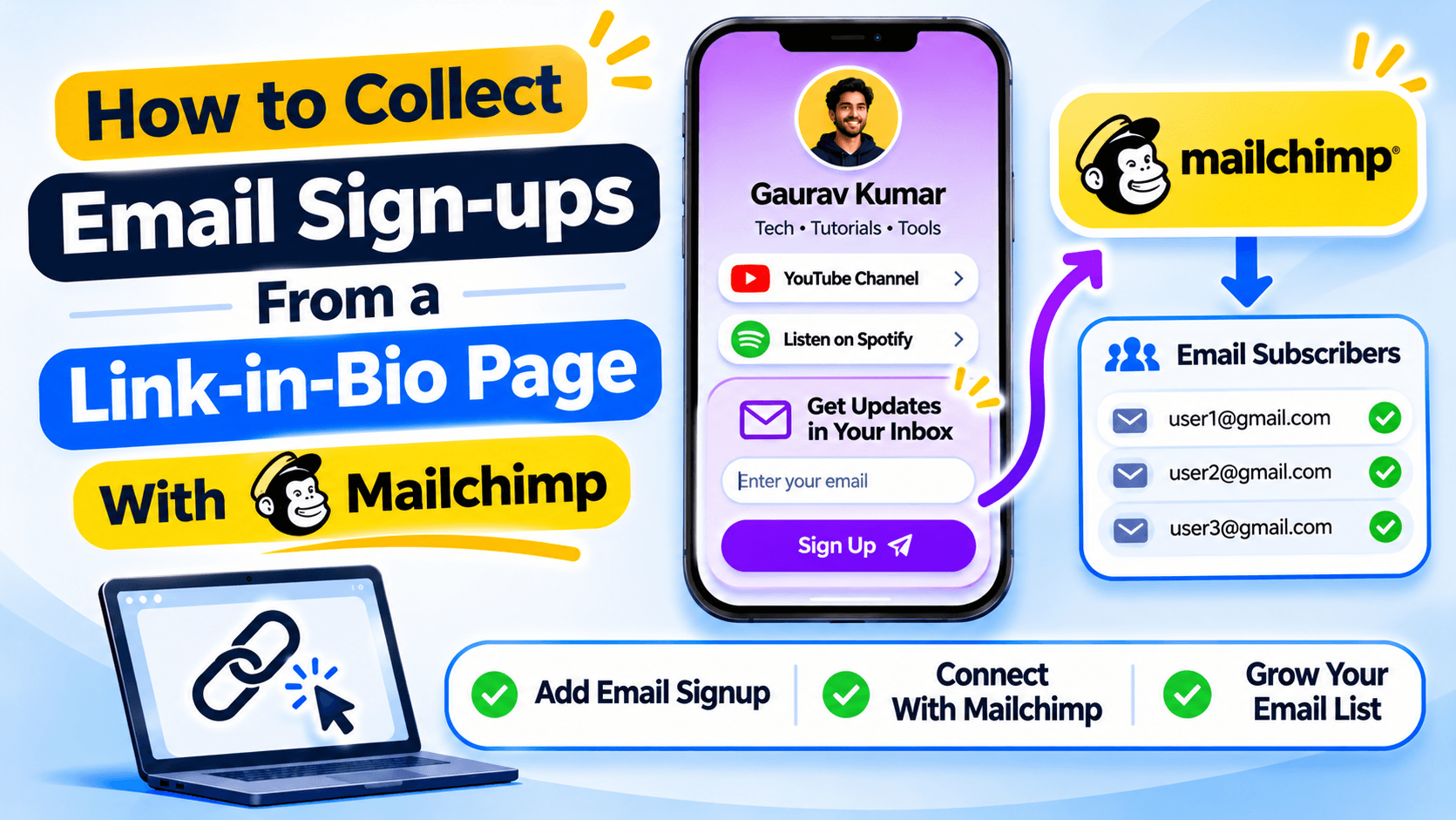
Tell visitors what they will get
A sign-up form works better when people know why they should share their email address. Subscribe to updates is vague. Get one new recipe every Friday tells people what to expect. Only promise emails you plan to send.
Keep the form short
For a basic newsletter, an email address may be enough. Ask for a name, phone number or birthday only when you will use it. Every extra field gives someone another reason to leave the form unfinished.
Add a short note about how often you send messages and link to your privacy notice.
Connect the page to the right Mailchimp audience
Before connecting the form, decide which Mailchimp audience should receive the sign-ups. If you have separate lists for customers and newsletter readers, do not send everyone into the same audience by mistake.
Check the account permissions needed to connect Mailchimp. The exact steps depend on the current Recut editor and the Mailchimp account you use.
Send a test sign-up
Open the public bio page in a private browser window and submit an email address you can check. Confirm that the address appears in the right Mailchimp audience. If you use double opt-in, complete the confirmation email too.
Check the thank-you message and any follow-up email. A visitor should know whether the form worked and what happens next.
Do not add people without permission
Only add people who chose to sign up. Make it clear what emails they will receive and how they can unsubscribe. Keep your privacy notice up to date and follow the email rules that apply to the countries where you collect addresses.
Connect your bio-page sign-up form to Mailchimp
In Recut Bio Pages, you can collect email sign-ups and connect them with a Mailchimp audience. Check the audience, consent wording and welcome email before sharing the form. See Recut Bio Pages.
Frequently asked questions
Can I collect emails from a link-in-bio page?
Yes, if the page builder includes an email collection block or signup form.
Can I send link-in-bio sign-ups to Mailchimp?
A supported Mailchimp integration can send new sign-ups to the audience you select. Test the connection before sharing the form.
What should I write above an email signup form?
Tell people what they will receive and how often you plan to send it.
Should I ask for more than an email address?
Only ask for extra details when you need them. A shorter form is easier to complete.
Gaurav Kumar
AuthorWriting about link infrastructure, branded domains, retargeting pixels, and URL shortener analytics.