
How to Change the Link Preview Image on WhatsApp

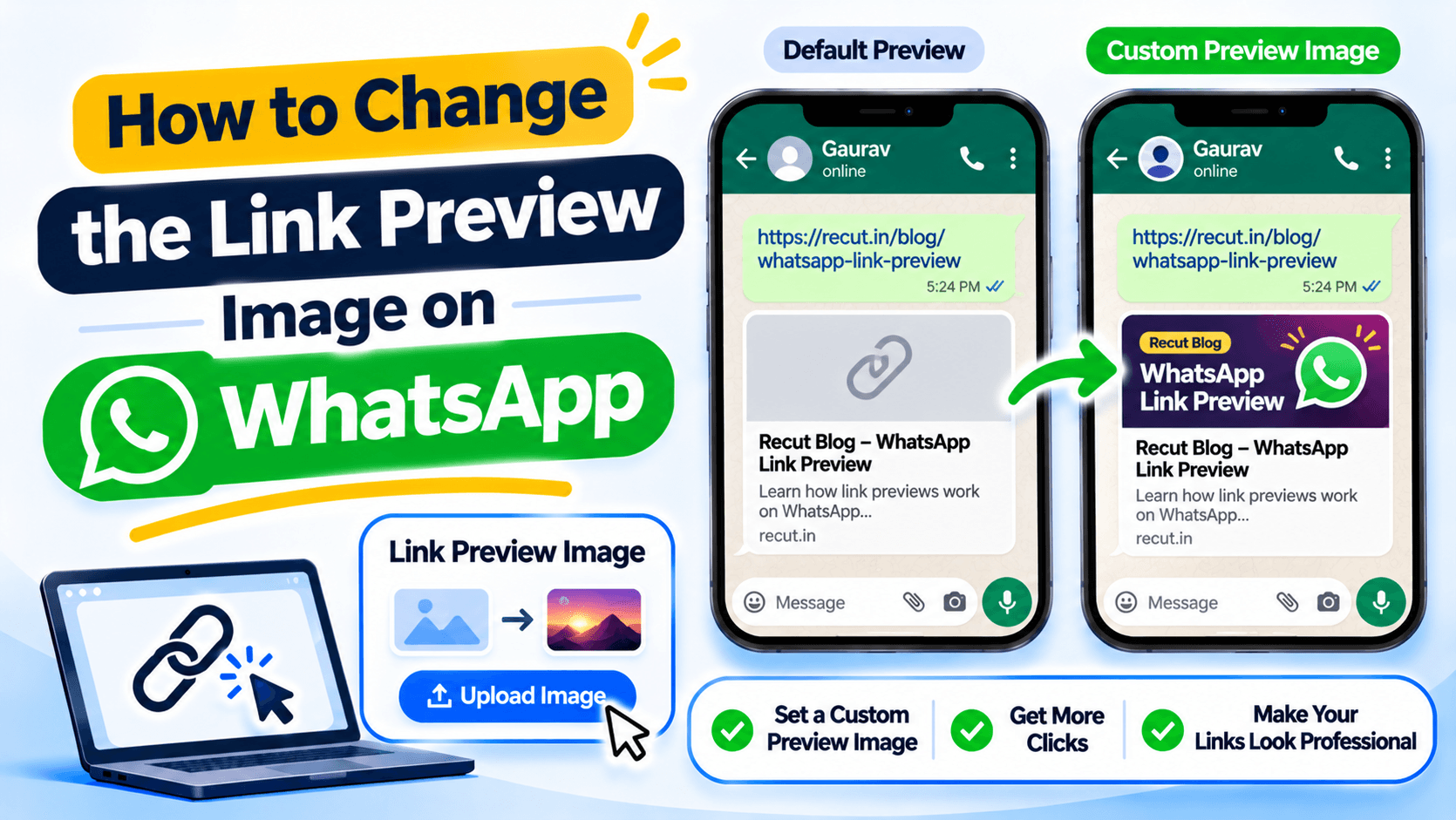
WhatsApp gets the preview from the web page
When you paste a website link into WhatsApp, it may show a title, a short description and an image. That preview usually comes from the page's Open Graph metadata. If the page has no suitable image, has old metadata or blocks the preview crawler, WhatsApp may show the wrong picture or no picture at all.
Set the image on the page you are sharing
The og:image field tells social apps which image to use. The image should be available at a public HTTPS address. Use an image that matches the page, not a banner for a different product or an old sale.
Also check the page title and description. The preview should tell someone what they will see after tapping the link.
Check the page source and image URL
If you manage the website, check that the page includes an og:image tag in its HTML head. Open the image URL in a private browser window to make sure it loads without a login. Check the title and description tags too.
A preview image that works only when you are signed in may not be available to WhatsApp's crawler.
Why the old image may still appear
Social apps can cache a link preview. Changing the image on your website does not always update a preview already shared in a chat. Check the URL with a social-sharing debugger where available, then test a new message. There is no universal cache-refresh time to promise.
A favicon is not the same as a WhatsApp preview image
A favicon is the small icon shown in a browser tab. A social preview image is the larger picture shown beside a shared link. Changing one does not automatically change the other.
If you share a bio page, set its social card image separately from the browser icon.
Set the social preview for your Recut bio page
If the link is a Recut bio page, set its social-card image and text before sharing it. Then send the page to a WhatsApp chat and check the preview. WhatsApp may keep an older cached image, so test after updating the page too. See Recut Bio Pages.
Frequently asked questions
How do I change the image that appears when I share a link on WhatsApp?
Set the page’s Open Graph image, especially og:image, then test the public URL again.
Why does WhatsApp show the old link preview image?
WhatsApp may have cached the earlier preview. Update the page metadata and test the exact URL again.
What is the difference between a favicon and a link preview image?
A favicon is the small browser-tab icon. A link preview image is the larger image shown when someone shares a URL.
Can I set a different WhatsApp preview image for each page?
Yes, when each page has its own social metadata. Set the image on the page you plan to share.
Gaurav Kumar
AuthorWriting about link infrastructure, branded domains, retargeting pixels, and URL shortener analytics.