
How to Add UTM Parameters to Short Links and Track Them in GA4

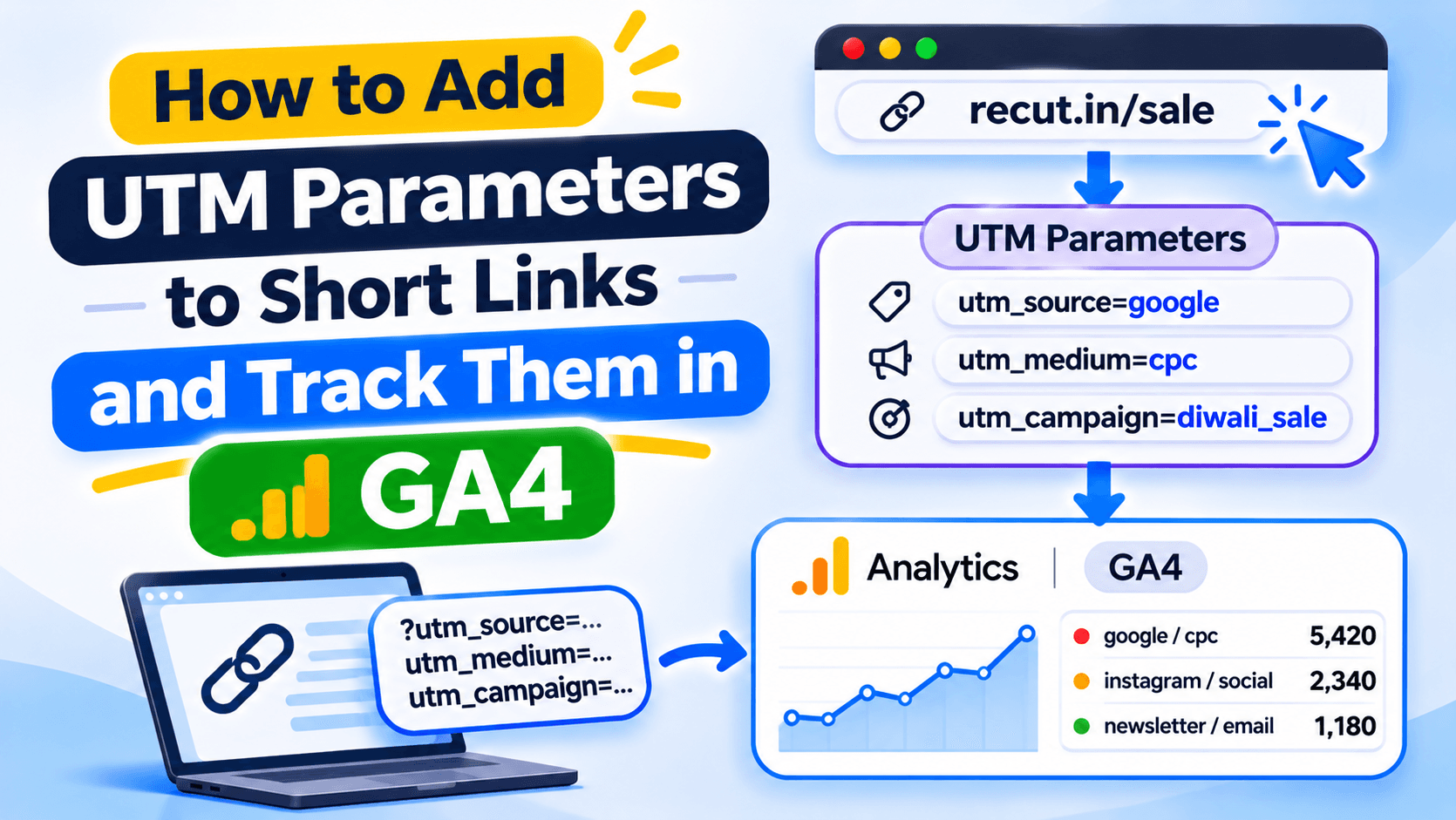
UTM tags tell GA4 where a visit came from
A short link makes a long URL easier to share. UTM parameters help Google Analytics identify the campaign that brought someone to your site.
For example, if you put a shop link in your Instagram bio, you can add utm_source=instagram, utm_medium=social and utm_campaign=diwali_2026. That gives the visit campaign details when GA4 records it.
What each UTM field means
utm_source names the source, such as instagram or newsletter. utm_medium describes the channel, such as social, email or cpc. utm_campaign gives the promotion a name, such as diwali_2026.
Use utm_content when you need to tell placements apart. For example, bio_button and story_link can identify two places that use the same campaign.
A UTM example for an Instagram bio
Start with your page: https://shop.example.in/diwali. Add the campaign tags:
Keep names consistent. Instagram, instagram and ig may appear as different values in your reports because UTM values are case-sensitive.
Shorten the tagged URL and check the final page
Paste the full tagged URL into your short-link tool. After the link is created, click it and check the final address. The utm_ fields should still be there. If another redirect sits between the short link and your page, check that it does not remove the query string.
Then open GA4 and look for the test visit in the relevant acquisition report. A click count in a URL shortener is not the same as a GA4 session.
Save a template for campaigns you repeat
If you send the same type of newsletter each week, save a standard source and medium. Change the campaign name for each send. This helps your reports stay readable when several people create links.
Do not add UTM tags to every link inside your own website. Use them for campaigns that bring visitors from another source. Internal tagging can overwrite the original campaign information.
Add campaign tags before sharing the short link
In Recut, you can add UTM parameters to a destination URL and save parameter templates for repeat campaigns. Check the final URL before you publish it, then look for the campaign under Traffic acquisition in GA4. See the Recut URL Shortener.
Frequently asked questions
Which UTM parameters should I use?
Start with utm_source, utm_medium and utm_campaign. Add utm_content when you need to compare placements or creative versions.
Can I add UTM parameters to a short link?
Yes. Add them to the destination URL before shortening it, or use the shortener’s parameter controls if available. Check that the final URL keeps them.
Why do Instagram and instagram appear separately in GA4?
UTM values are case-sensitive. Use one spelling and capitalisation for each source across your campaigns.
Should I add UTM tags to internal website links?
Usually not. UTM tags are meant to identify incoming campaign traffic. Adding them to internal links can overwrite the original source data.
Gaurav Kumar
AuthorWriting about link infrastructure, branded domains, retargeting pixels, and URL shortener analytics.