
How to Add a Google Pixel, Meta Pixel or TikTok Pixel to a Short Link

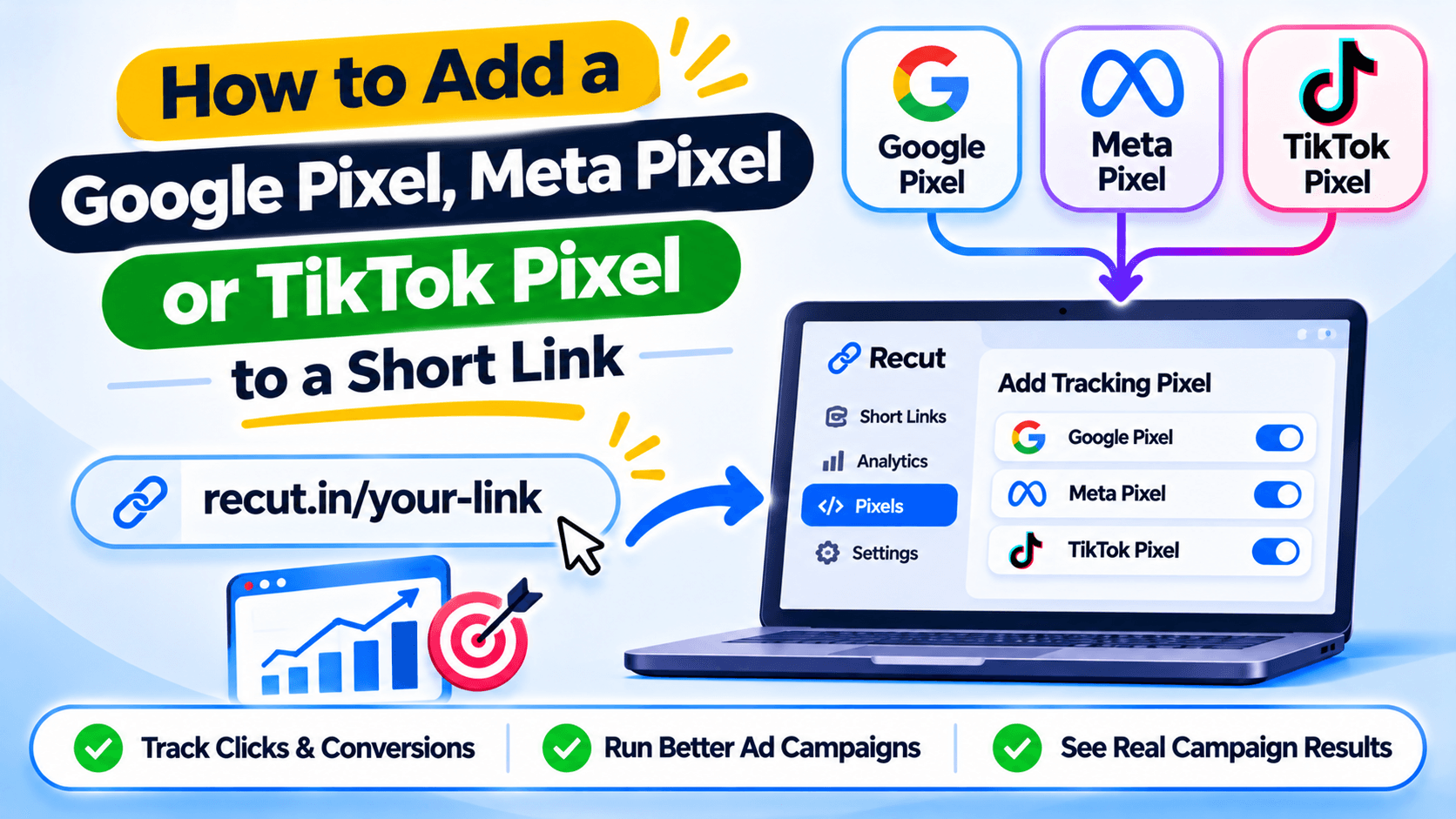
A pixel on a short link records the click path
A Google Pixel, Meta Pixel or TikTok Pixel and others are usually added to a website so an ad platform can record visits and other actions. But what if your short link sends people to a page you do not control, such as a YouTube video or a marketplace product?
A link-level pixel can record an eligible event at the short-link step. It does not give you access to every action people take on the destination page.
Find the right pixel ID
Open the ad platform and find the pixel or tag you want to use. Google Pixel details are in Google Analytics Platform, GTM, Meta Pixel details are in Meta Events Manager. TikTok Pixel details are in TikTok Events Manager. Copy the correct ID and keep the name of the account with it.
Do not paste the full installation script where the tool asks for an ID. Follow the field format shown in the product.
Add the pixel to the short link
Open the settings for the link or tracking tool and choose the pixel option available there. Add the ID, save the change and check that the correct pixel is attached to the right link. If the product lets you save pixels for reuse, give each one a name that your team will recognise.
Test it before spending on ads
Click the link yourself and check the platform's test-event or event diagnostics view. Give the platform time to process the event. If it does not appear, check the ID, consent settings, browser blocking and whether the redirect happens too quickly for the script to run.
Do not assume a pixel is working just because the ID is saved in the dashboard.
A click event is not a purchase event
A pixel attached to a short link may record a visit or link click. It cannot confirm that someone bought a product on a third-party site unless that site sends the purchase event through a supported integration. Keep click audiences separate from customer or buyer audiences.
Add a tracking pixel to the short link
In Recut, you can add supported tracking pixels to a short link. Check the pixel ID, consent rules and the event you expect to see in the ad platform. A link click does not prove that someone viewed a product page or made a purchase. See the Recut URL Shortener.
Frequently asked questions
Can I add a Meta Pixel to a short link?
You can use a short-link service that supports Meta Pixel IDs. Confirm which event it sends and test it in Meta Events Manager.
Can I add a TikTok Pixel to a short link?
Use the pixel option available in your link tool, then check the event in TikTok Events Manager.
Can a pixel on a short link track purchases?
Not by itself when the purchase happens on a third-party destination. A link-level pixel may record the click or visit, not the purchase.
Why is my pixel not showing an event?
Check the pixel ID, consent choices, browser blocking and the event test tool. A redirect may happen before some scripts finish loading.
Gaurav Kumar
AuthorWriting about link infrastructure, branded domains, retargeting pixels, and URL shortener analytics.