
How to Add a CTA Bar or Overlay to a Shared Link

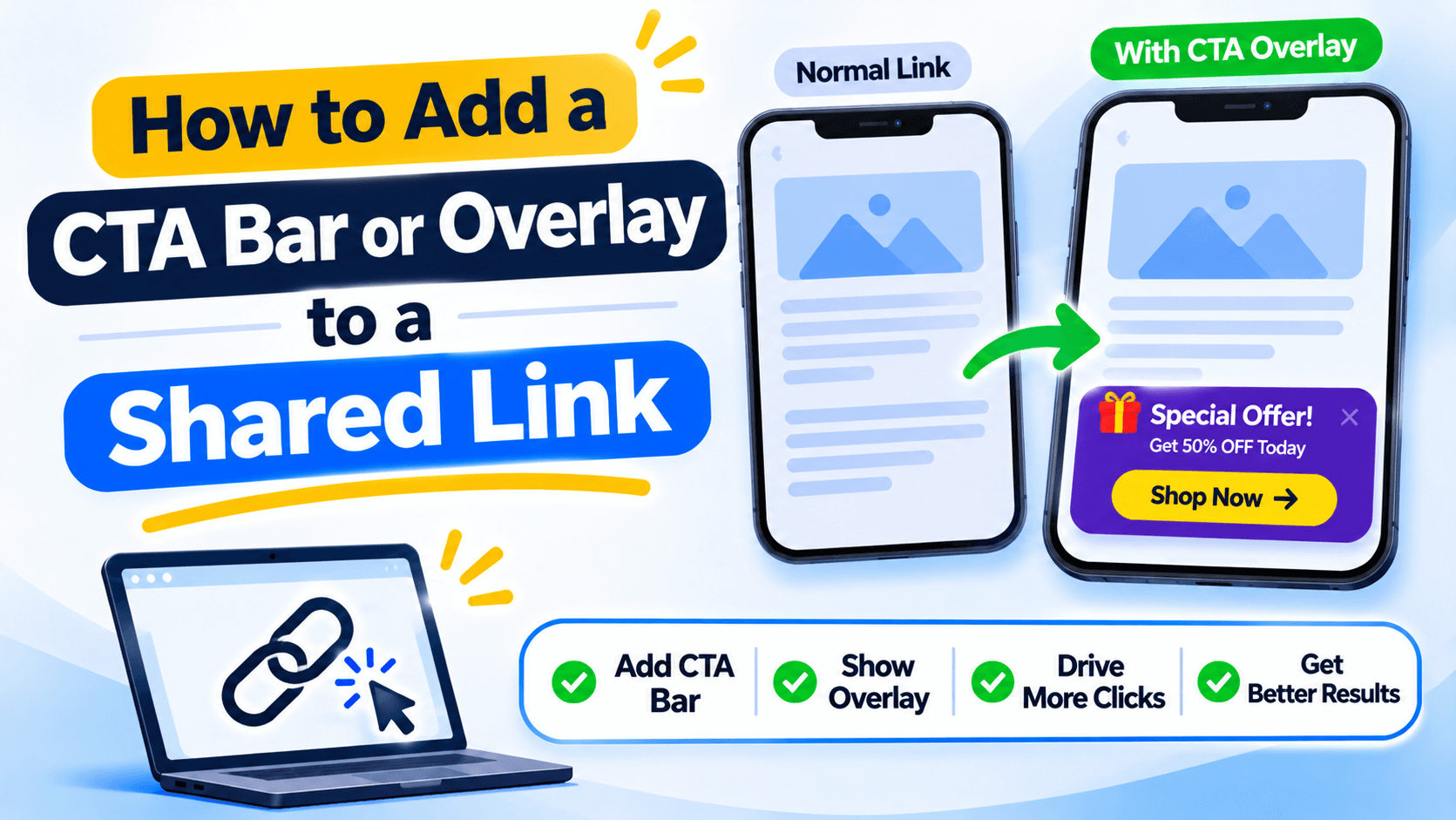
A CTA overlay puts an action beside the page
A CTA overlay is a small banner, bar or message that appears over a web page. It can ask someone to visit a shop, join a newsletter or contact a team. It is different from changing the destination URL: the visitor still sees the page they opened, with an extra prompt on top.
Choose one action for the overlay
Decide what you want the visitor to do. For example, a food blog might show Order from our menu. A service company might show Book a call. Avoid putting several unrelated buttons in the same bar. Too many choices make the message hard to follow.
Write the message the visitor needs
Keep the text short. Mention the offer or action, then use a button that says what happens next. View menu is clearer than Click here. If the offer has an end date or conditions, make those details easy to find on the page.
Check the page on mobile
A bar that fits a laptop screen can cover half the page on a phone. Check the top and bottom of the screen, the close button and the page's own buttons. Make sure the overlay does not cover a login field, payment button or important content.
Also check keyboard use and text contrast. People should be able to close the message without struggling.
Use an overlay where it helps, not everywhere
A CTA bar can work on a shared article or campaign page. It may annoy someone who is trying to read a long page or complete a checkout. Test it on the page and audience you plan to use, and remove it if it blocks the main task.
Add a CTA when the shared page needs one
With Recut CTA overlays, you can add a callout to supported shared pages. Keep the message tied to the page, make the close option clear and check that the overlay does not cover the main content on a phone. See the Recut URL Shortener.
Frequently asked questions
What is a CTA overlay?
It is a banner, bar or prompt shown over a web page to ask the visitor to take an action.
Can I add a CTA bar to a shared link?
Some short-link services support overlays for links. Check which overlay types are available for the link and destination you use.
What should a CTA button say?
Use words that explain the result, such as View menu, Book a call or Get the guide.
Can an overlay cover the page content?
It can if it is poorly sized. Check the page on mobile and make sure visitors can close the overlay and use the page underneath.
Gaurav Kumar
AuthorWriting about link infrastructure, branded domains, retargeting pixels, and URL shortener analytics.